



News
-
Calendar in the appIn Greja you can use the calendar view to get a clear overview of your cases. Cases are shown in a scrollable list together with their dates, so you can easily see what is planned and when it should be done. Scroll through the list to navigate between dates and quickly find the right case.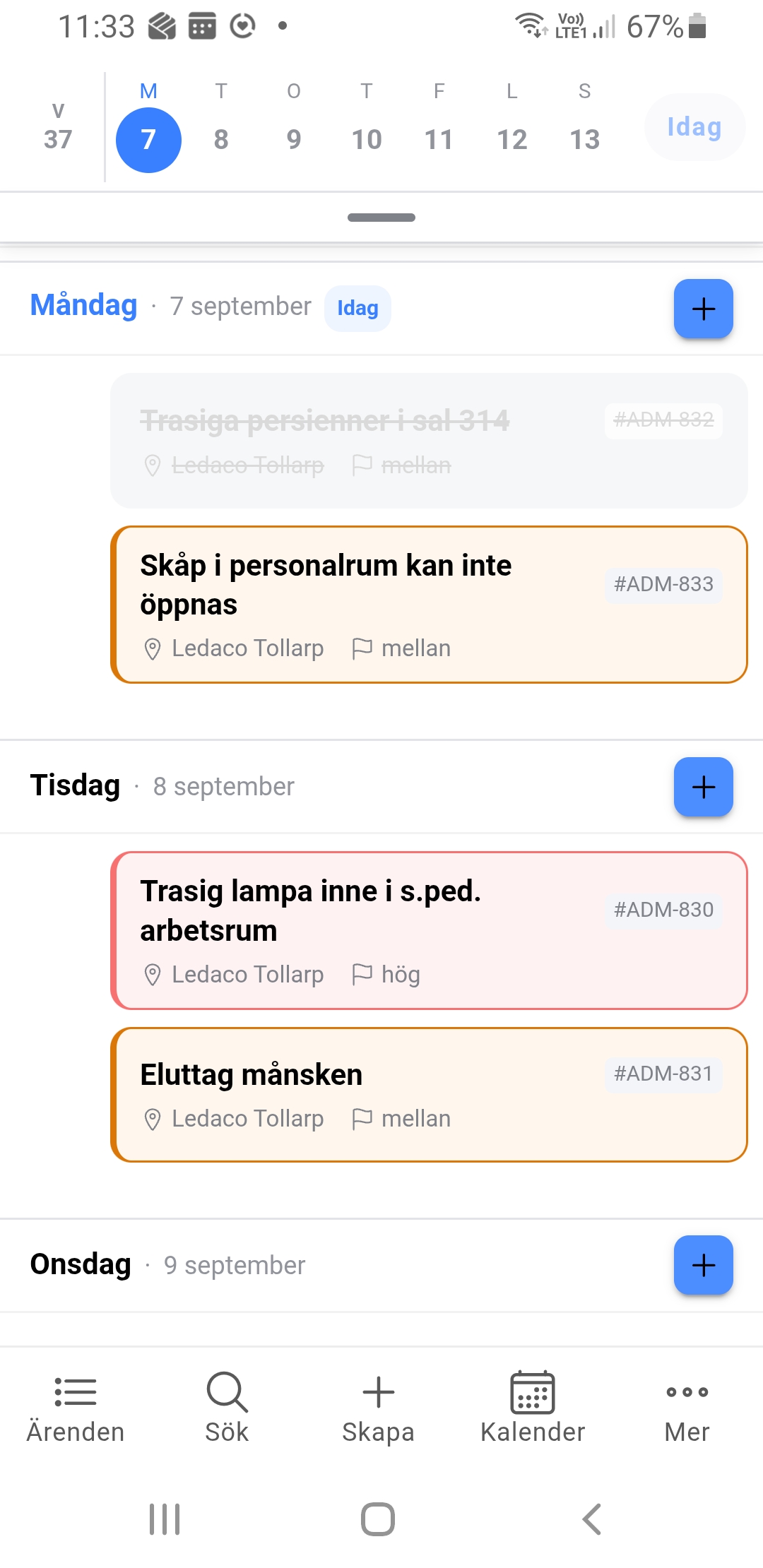
-
Call-off handling in GrejaIt is now possible to start working with call-offs in Greja. Call-offs can be sent directly to suppliers, who can then either accept or decline the call-off. This creates a smooth and clear process for handling orders and supplier responses.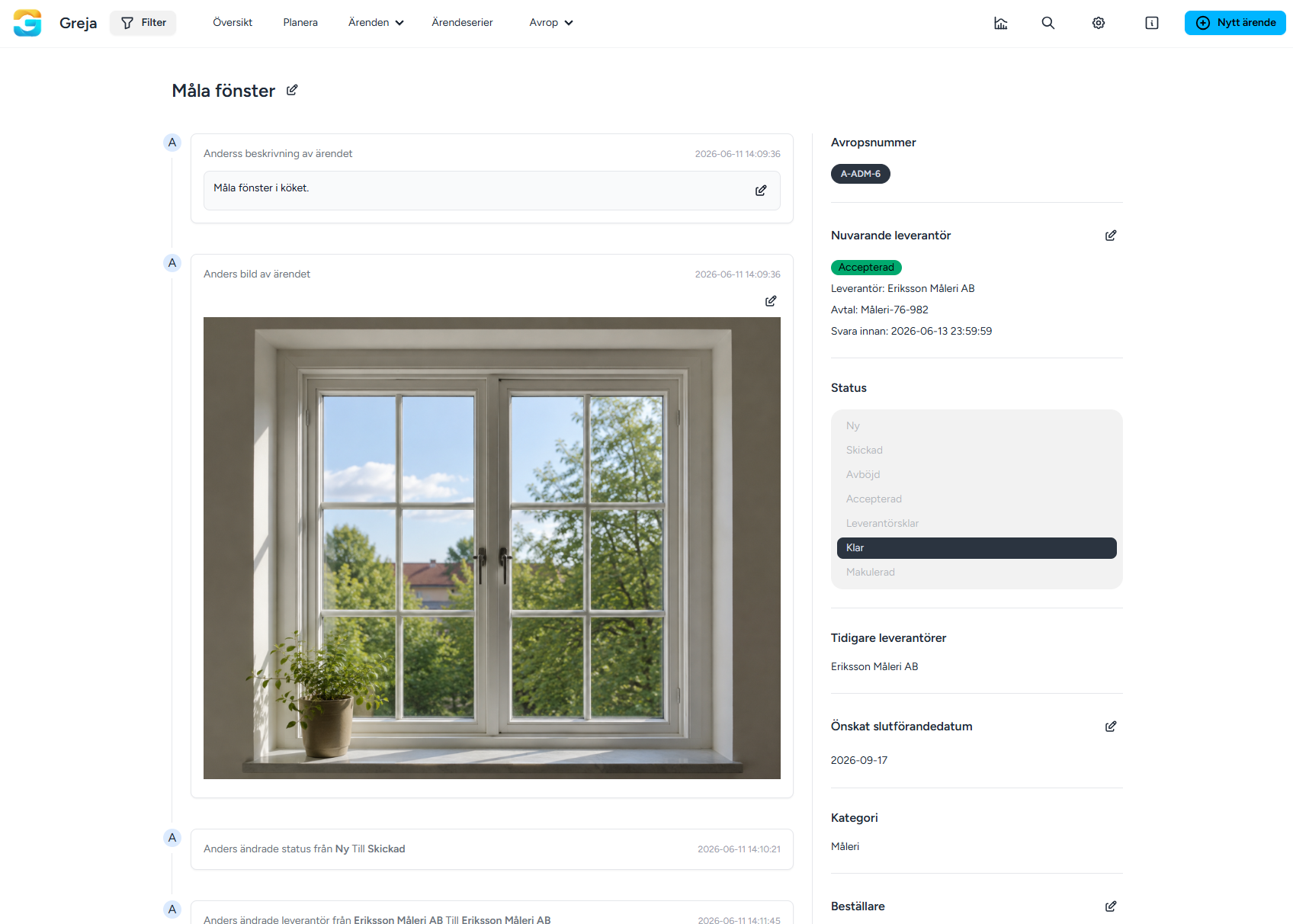
-
Public forms via QR codes for buildings and roomsGreja has launched a new smart feature that makes it easier to handle cases directly in the field. You can now generate QR codes for your buildings and rooms, which are easily put up on site. When someone scans the code with their phone, they go directly to a public form where they can report a case linked to that specific location. It saves time, reduces the risk of misreporting, and makes the whole process smoother for both users and administrators.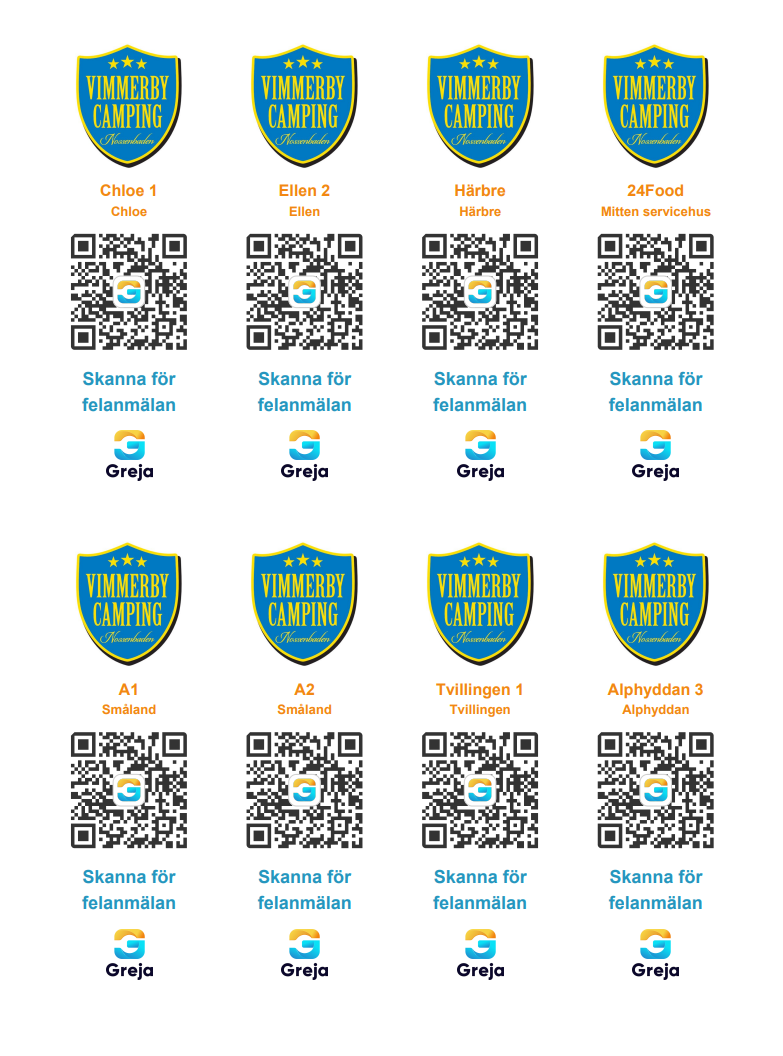
-
Export cases to ExcelIt is now possible to export cases to an Excel file. With the new feature, you can easily extract cases and save them as an Excel file for further use or archiving.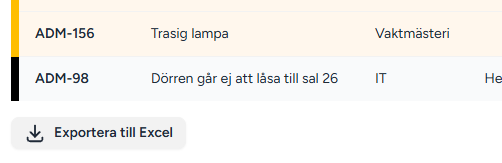
-
Filter by priorityIt is now possible to filter cases by priority. This means you can choose which priority levels to view and only show cases that match your selection, making the list clearer and easier to manage.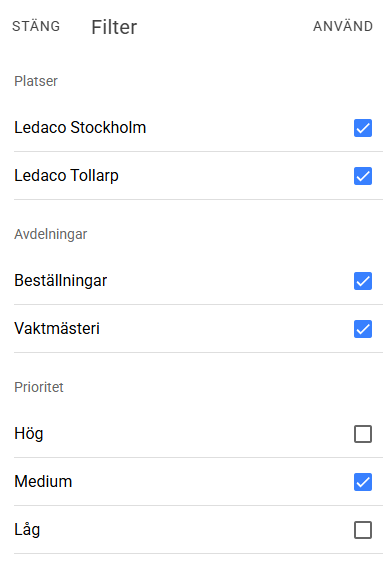
-
Calendar overview for seriesThis new feature makes it possible to see all recurring cases in a clear calendar, giving better overview and easier planning.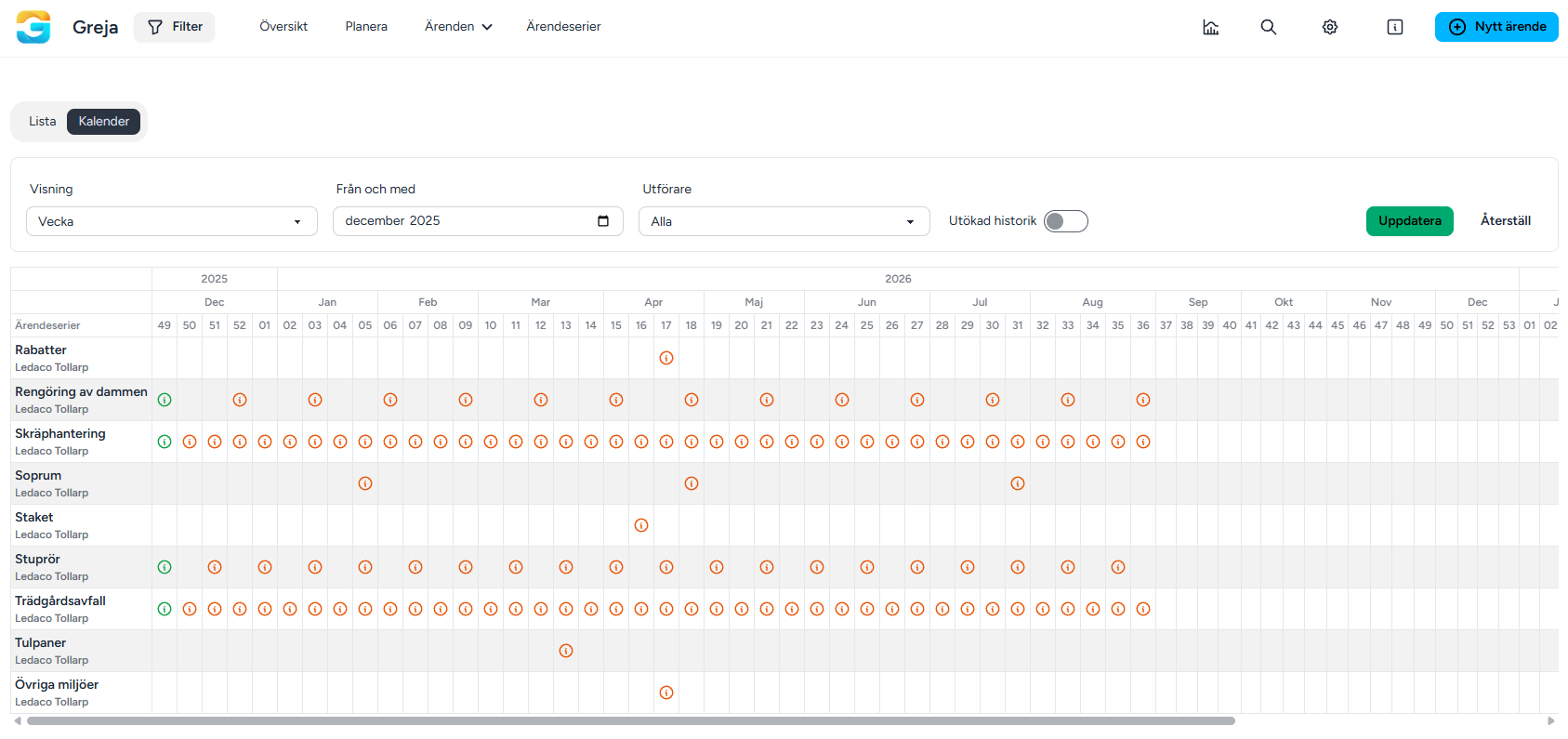
-
Add multiple images and filesWith this update you can add multiple images and files directly when creating cases both in the app and on the web.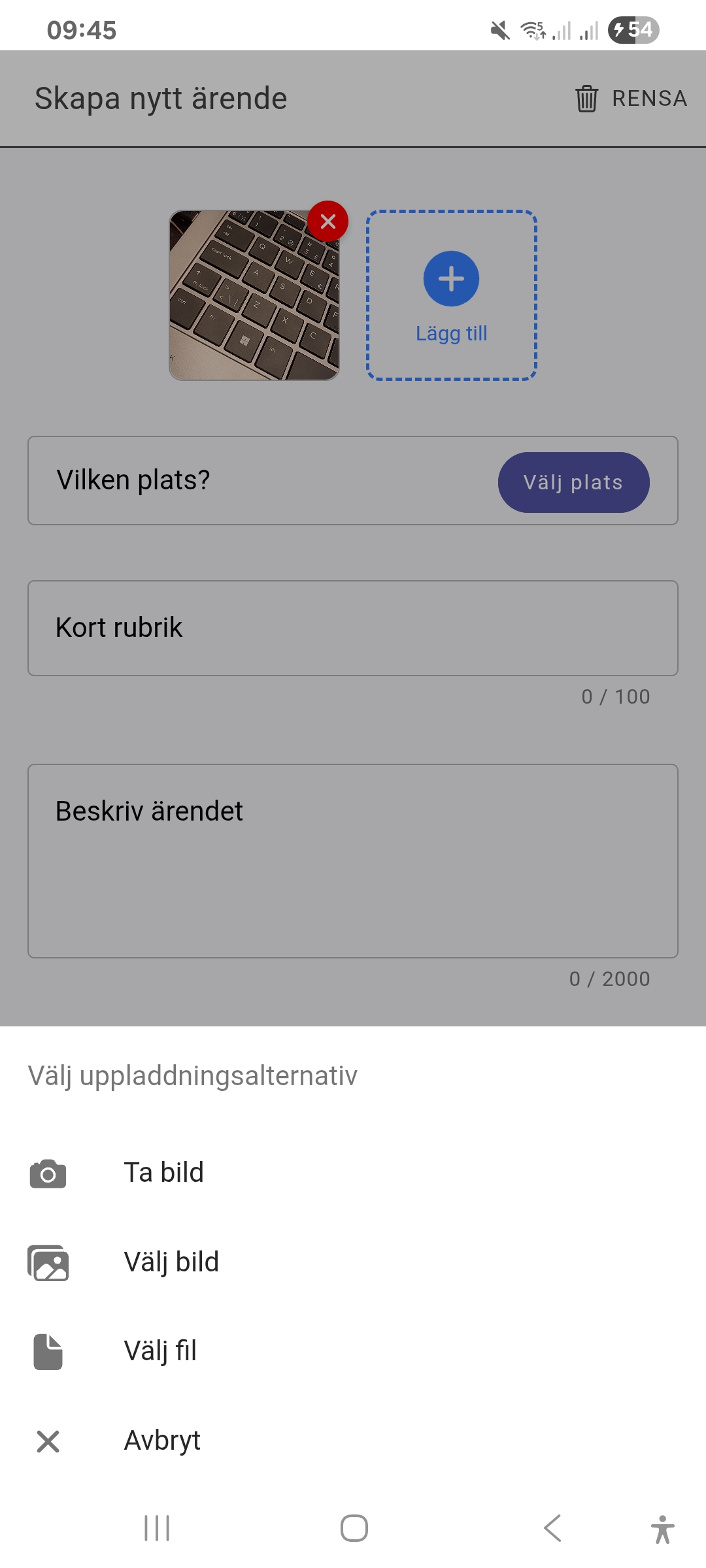
-
Mark a specific location on the mapThis new feature makes it possible to mark a specific location on the map and link it to a case.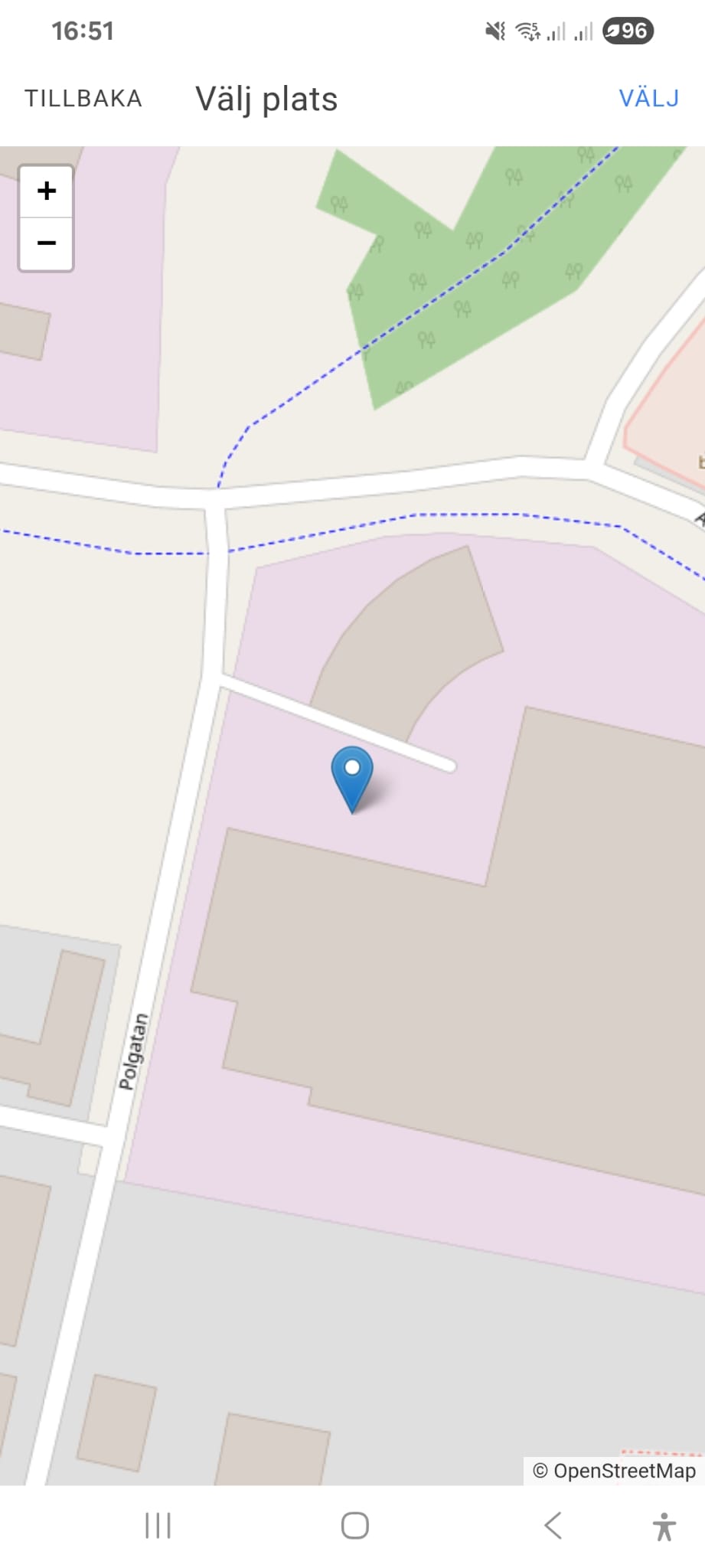
-
Colour-coded casesEach case belonging to a case type is "flagged with the case type colour", making it easy to see at a glance which type of case it is.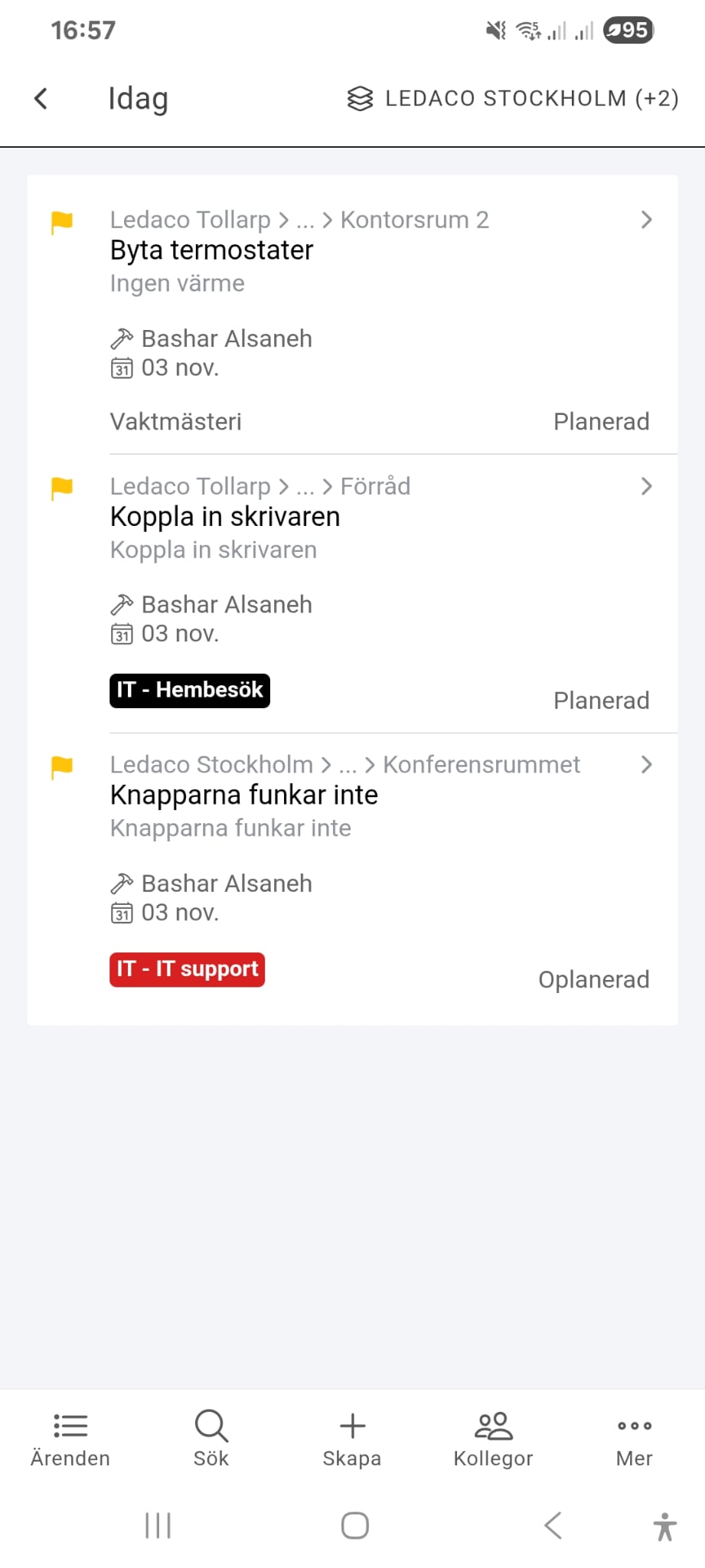
-
Move multiple cases at onceAs an admin in the planning view you can now select multiple cases and move them to a specific date in a single step.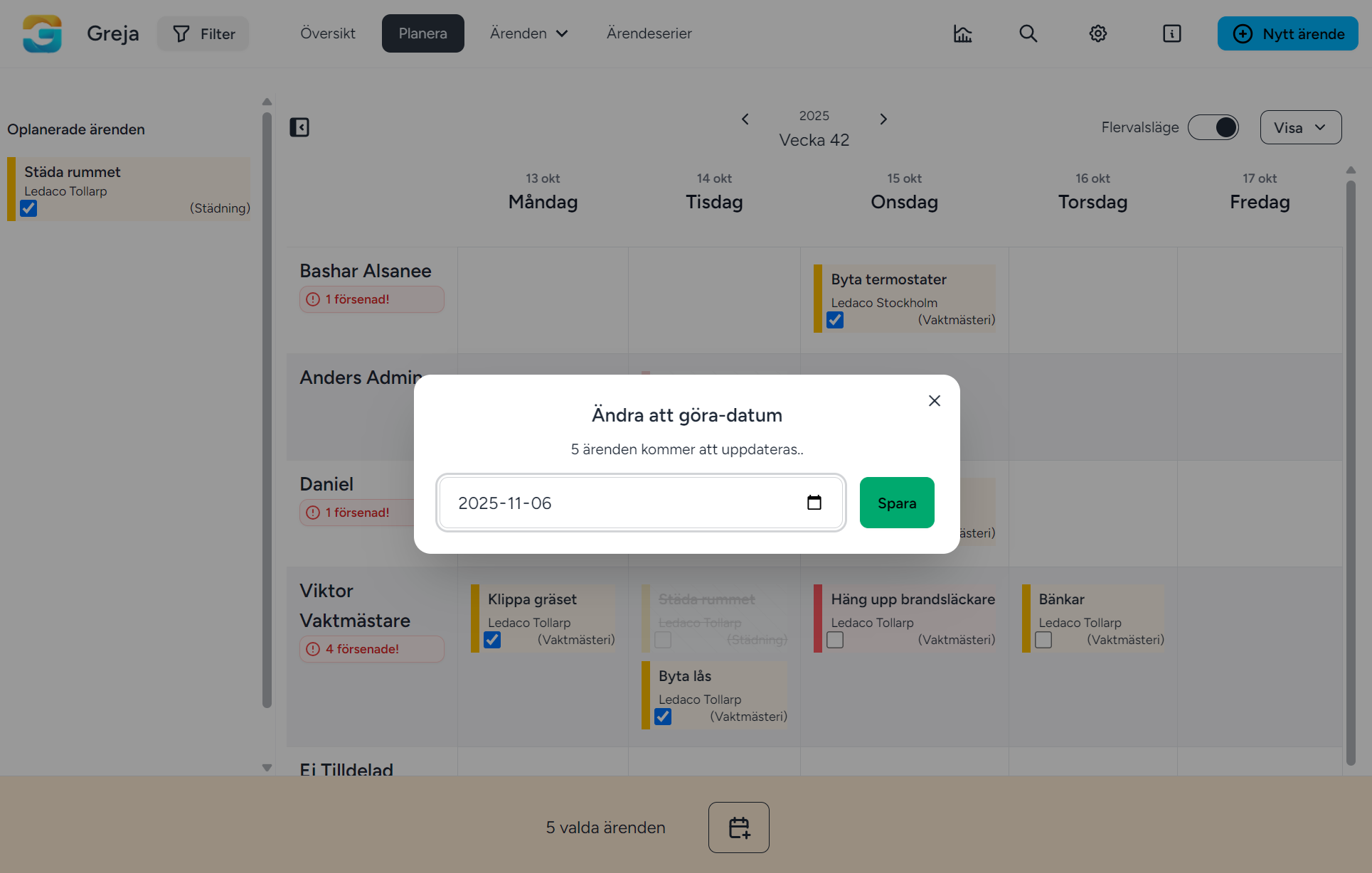
-
Advanced filterFilter case lists based on time period and performer to quickly find what you are looking for.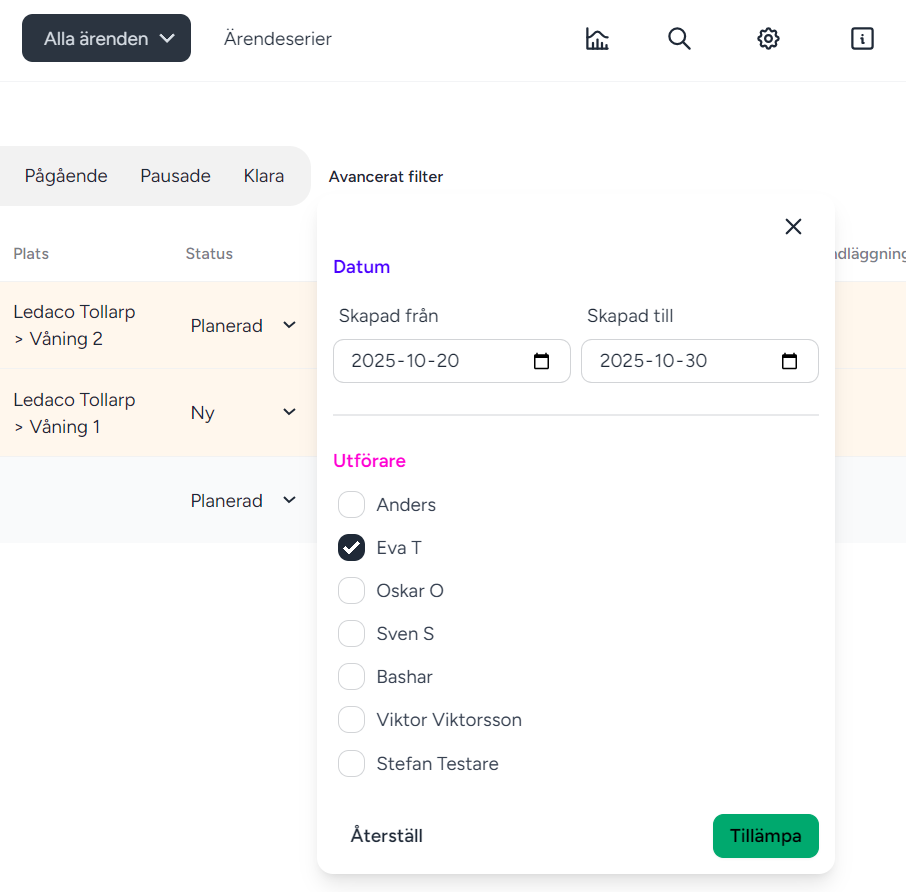
-
Remove locations as Super AdminSuper admins can now delete locations directly, which simplifies handling of old or incorrect locations.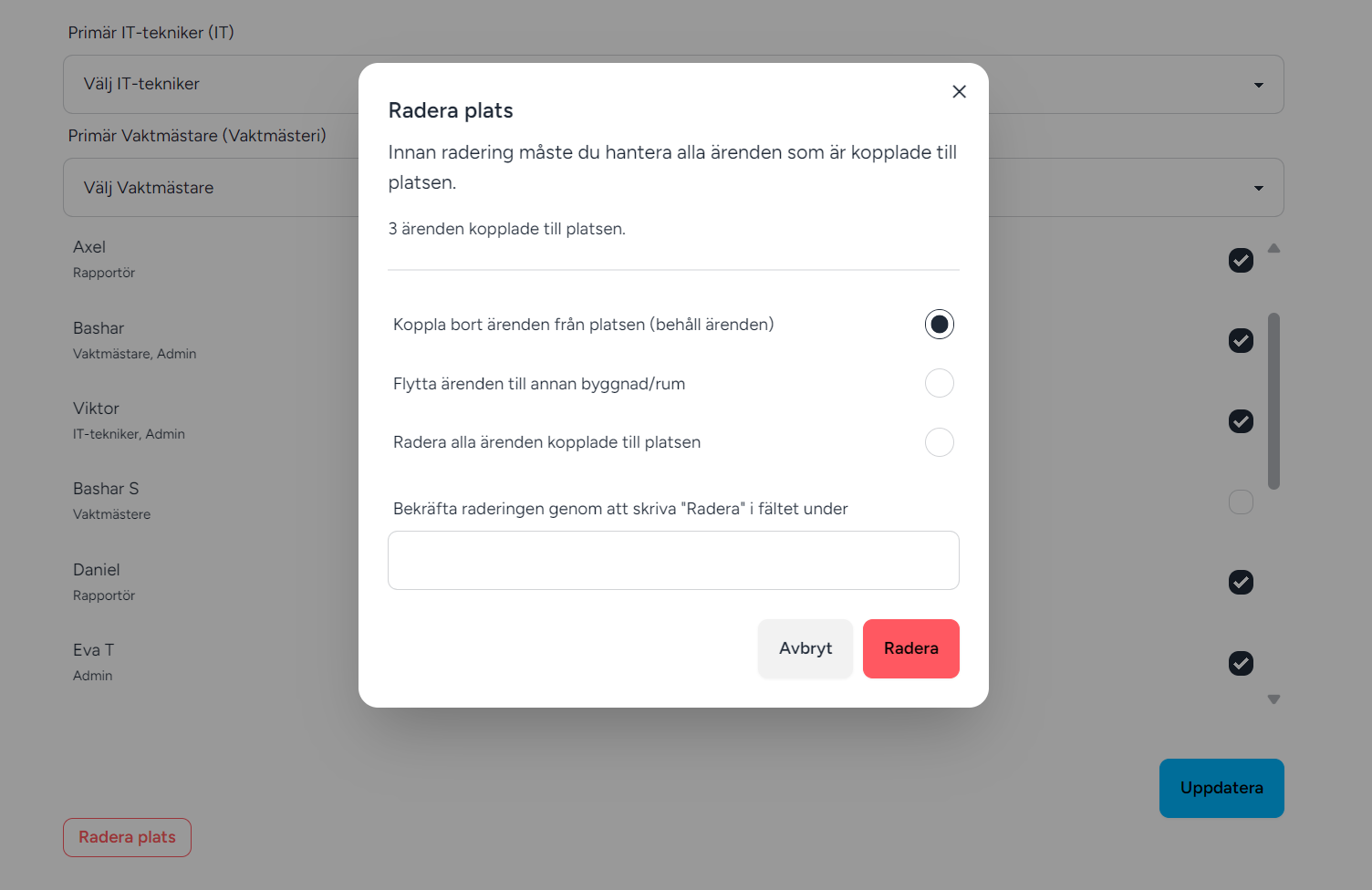
-
New analytics dashboardNow you can easily follow up on cases with our new analytics tool! Filter statistics by date, location or performer.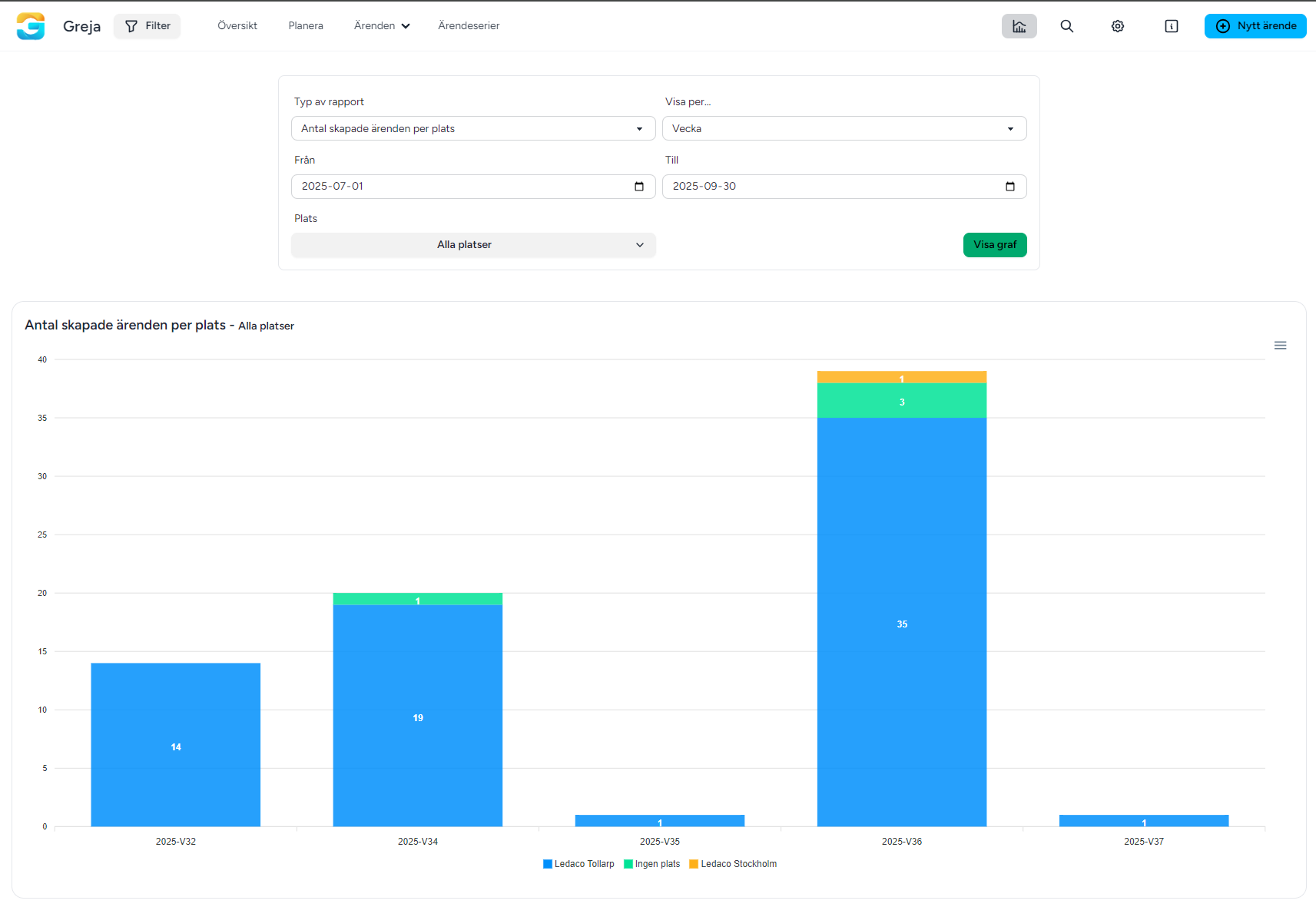
-
Email summary of your casesAdmins and performers can now enable "Email: summary of your work" under My profile to receive a daily overview of overdue, today’s and upcoming cases.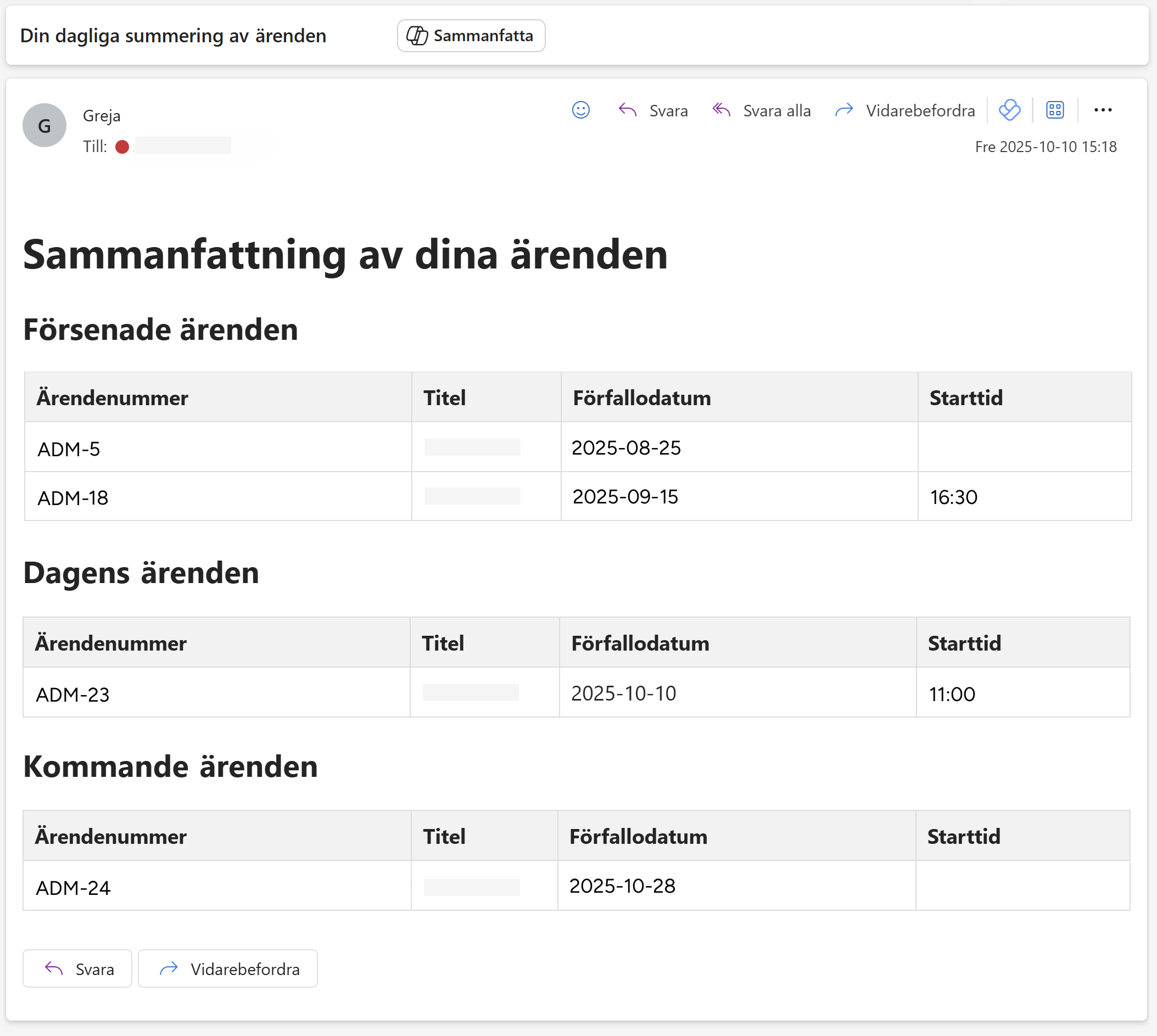
-
Language supportWe have introduced language support in Greja. This means users can now switch between Swedish and English, which simplifies use and contributes to a more flexible experience.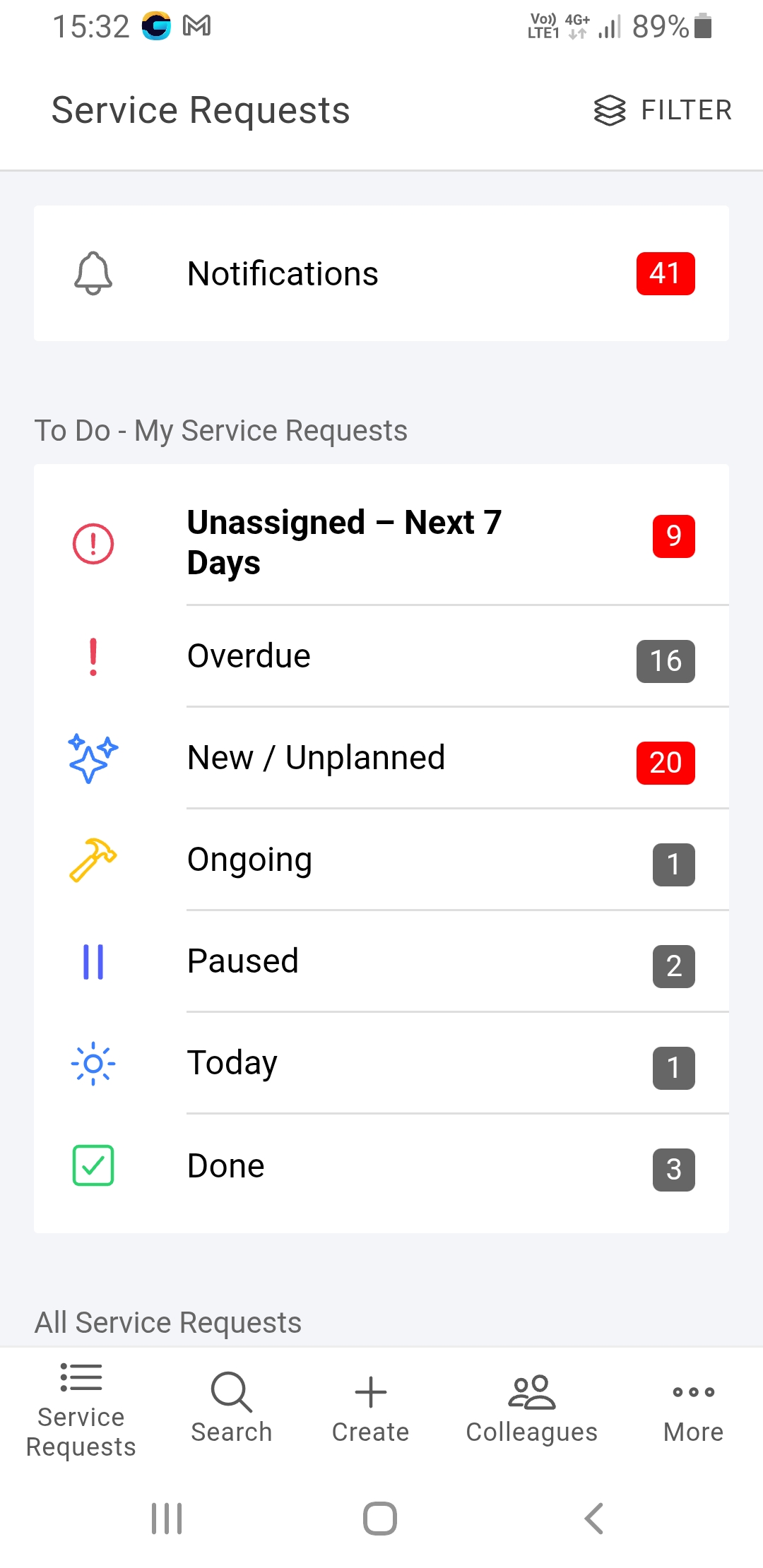
-
Attach or comment with documents in the appYou can now attach documents such as PDF, Word or Excel to a case in the app. You can also comment with a file.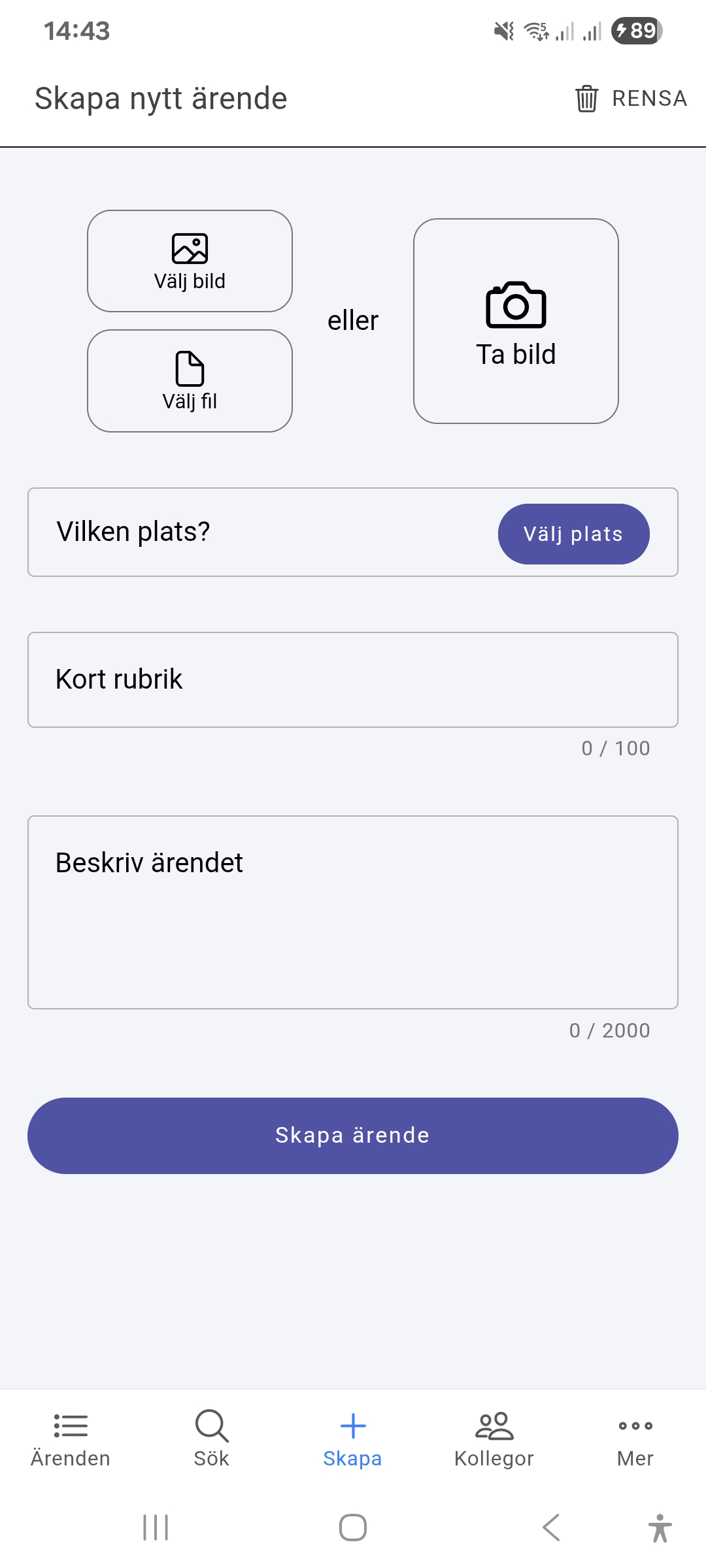
-
Change performer from the planning viewYou can now easily change the performer directly from the modal when you click a case in the planning view.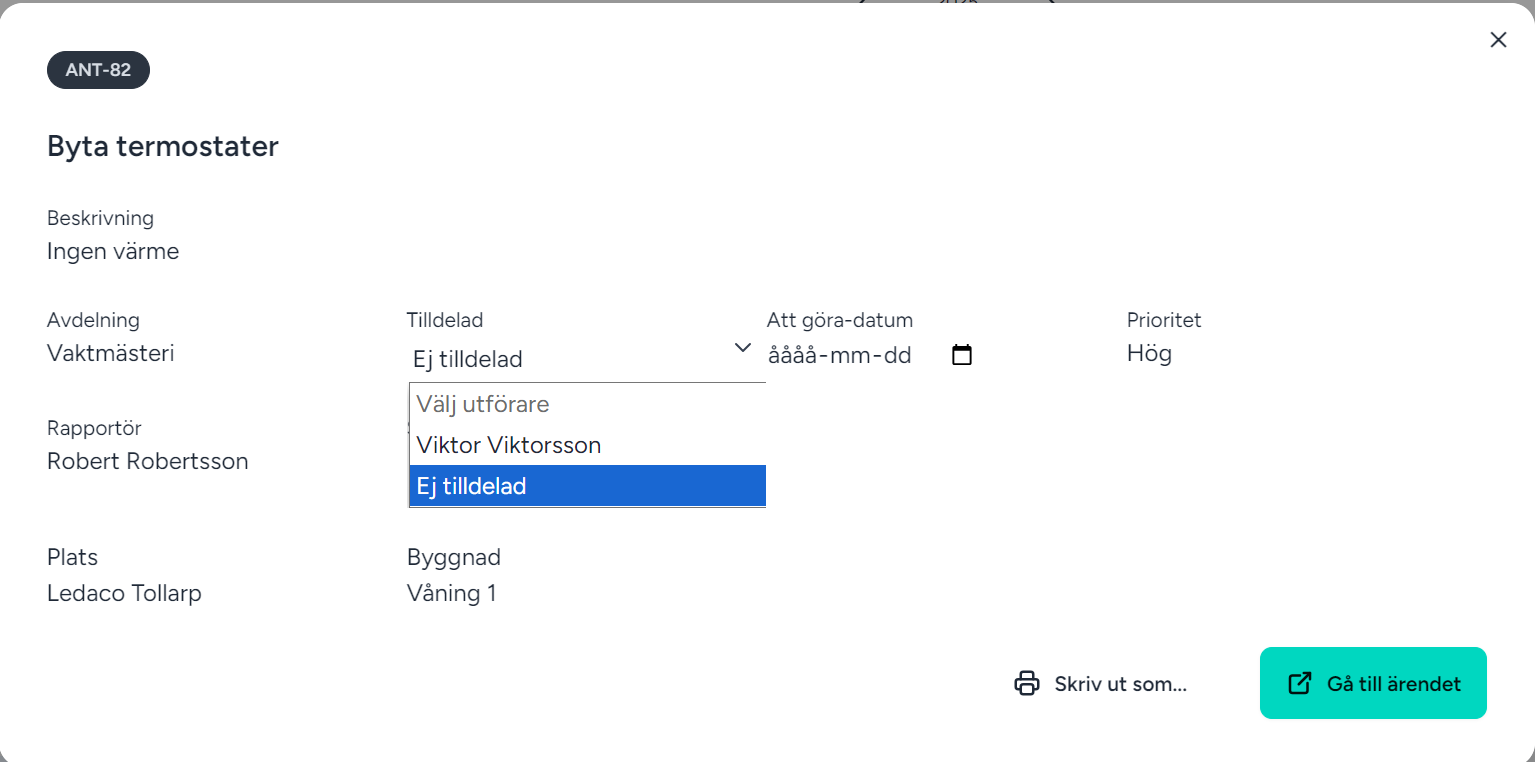
-
More intervals for recurring service requestsRecurring cases now support several different intervals: daily, weekly, monthly and yearly.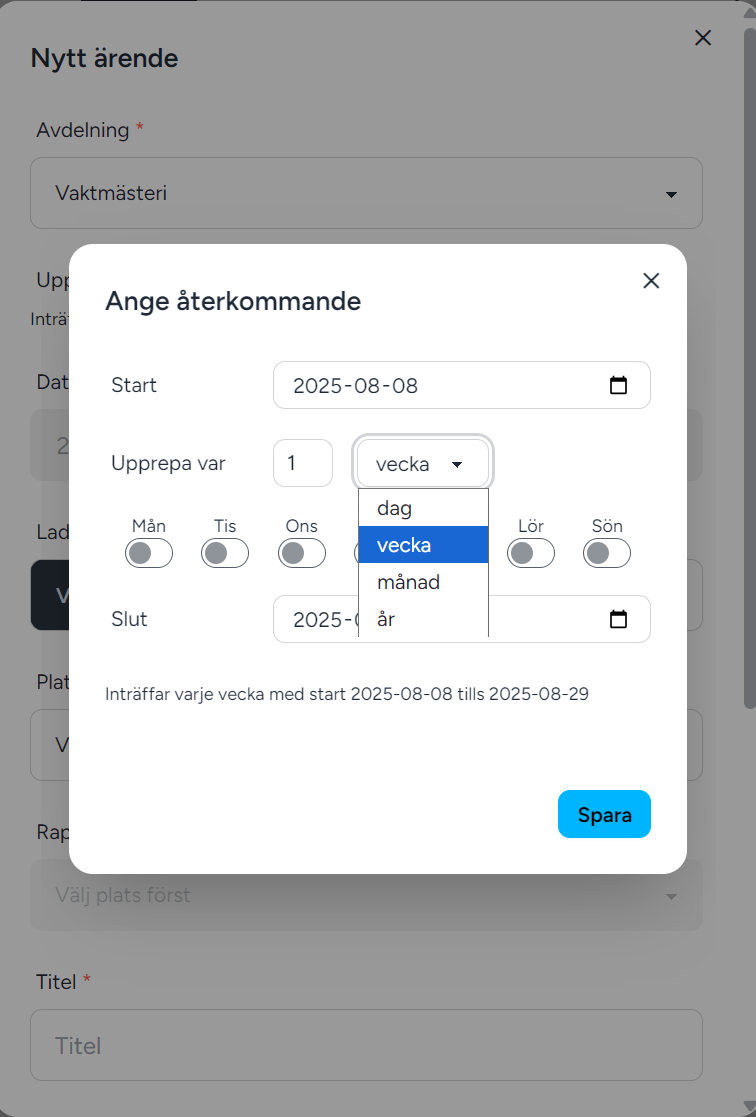
-
Attach/Take image on status changeYou can now attach an image or take a new one directly in the app when you update the status of a case.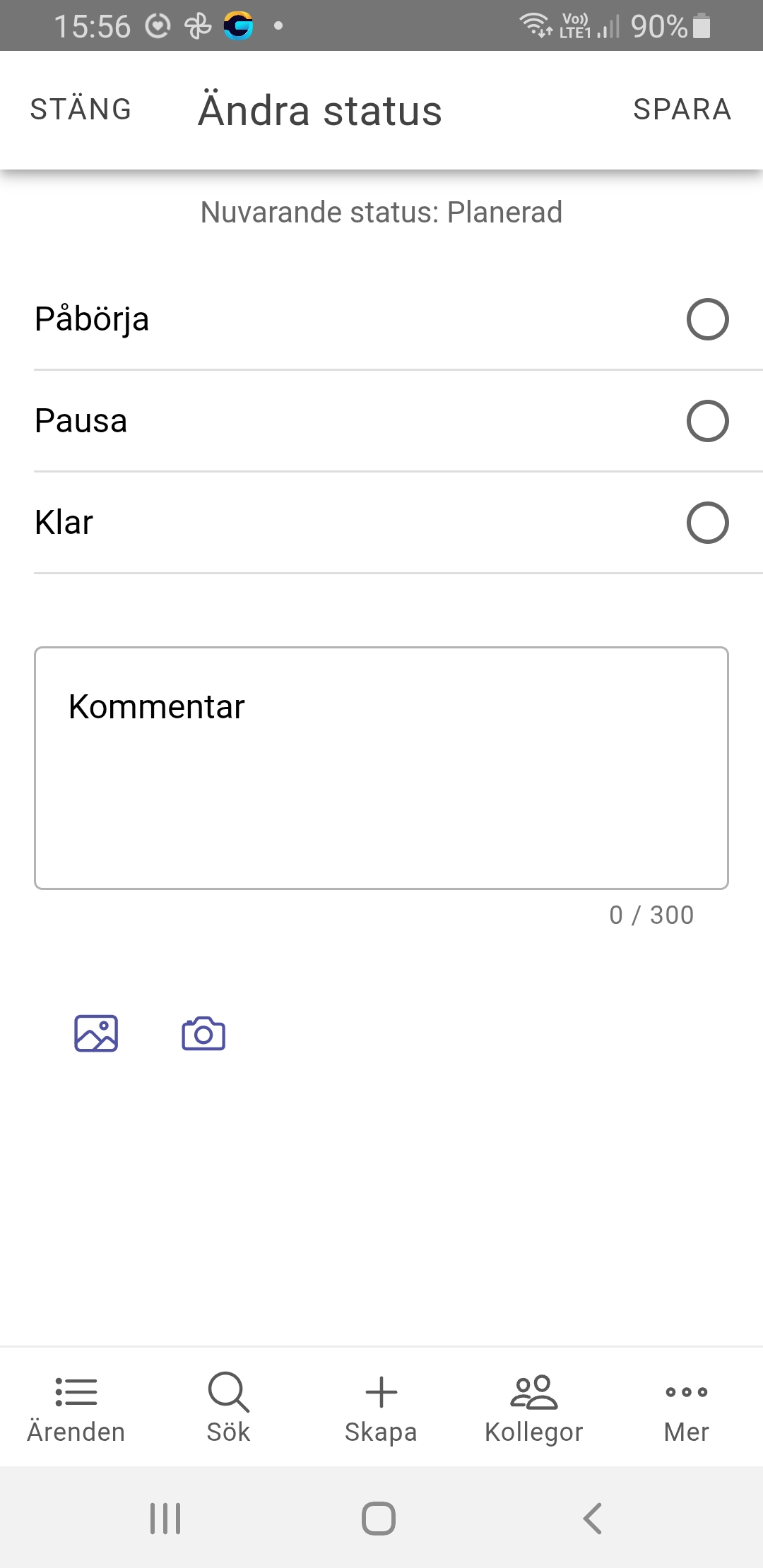
-
PDF printingIt is now possible to easily print a case as a PDF file, so you can save or share the information smoothly.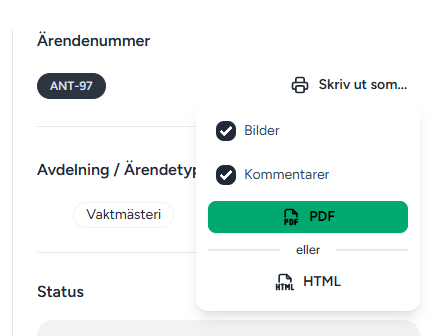
-
CollaborationIt is now possible to collaborate between different organisations in Greja. Users from different organisations can send and receive cases between each other and work together to complete them.
Easier cooperation, clearer responsibility and better overview – directly in Greja.
-
Now support for different permissions per departmentIt is now possible to assign different permissions depending on which department a user belongs to. This means a person can have different roles in different contexts – for example, a user can have the Caretaker role in the Caretaking department while the same person has the Reporter role in the IT department.
This flexibility makes it easier to adapt access to the user’s tasks and responsibilities in each individual department.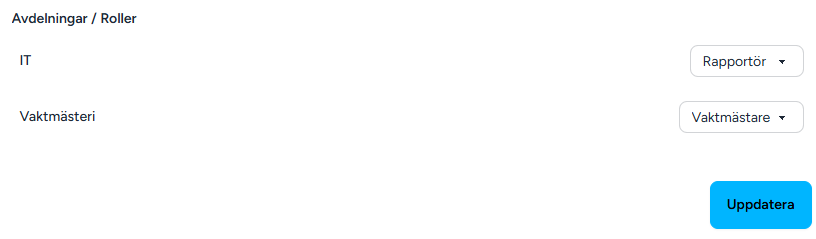
-
Change status from Service Request listYou can now change the status of a case directly from the case list without opening it.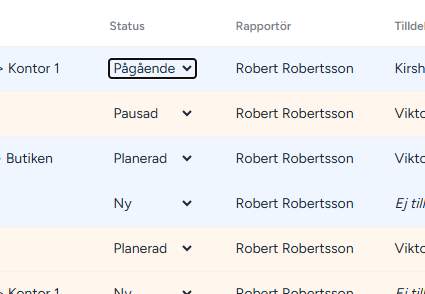
-
Delete case series/cases in a seriesIt is now possible to delete a whole series or individual cases in a series.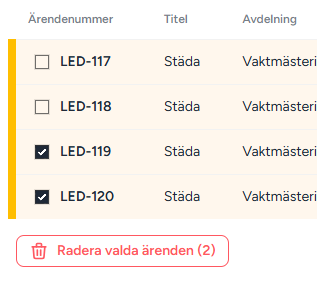
-
Clear start timeYou can now remove the start time from a case when needed.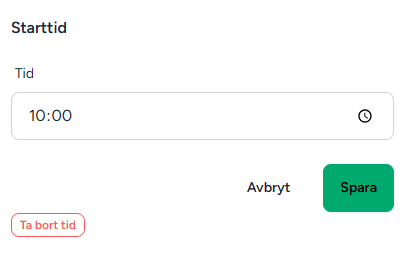
-
Date interval for casesThe app now shows date intervals for upcoming, planned and unassigned cases, making it possible to filter on a specific date in the list.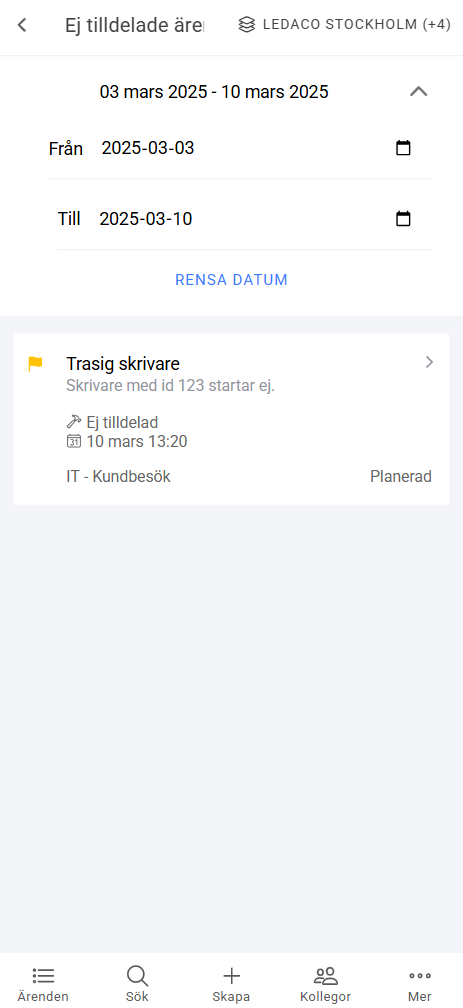
-
Unassigned cases - upcoming 7 daysThe new list shows unassigned cases with a date but without a performer, approaching within the next 7 days.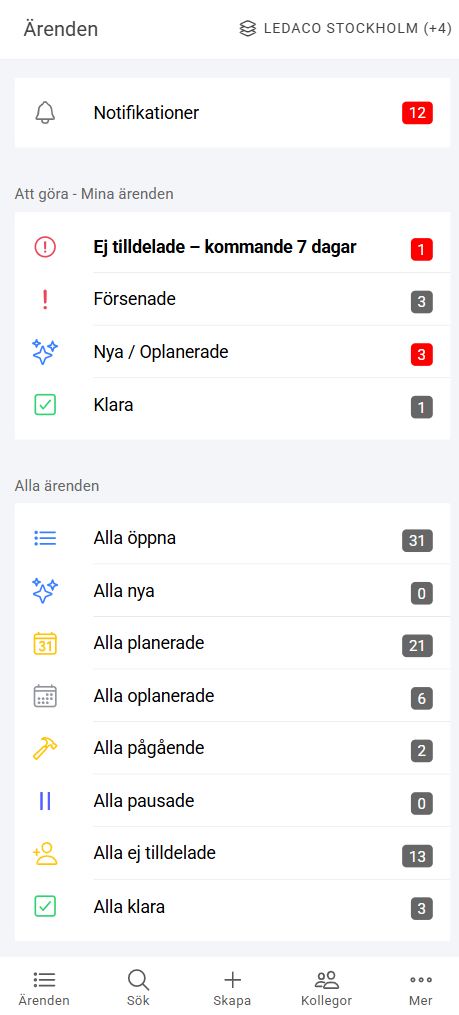
-
Number of overdue casesThe planning view now shows the number of overdue cases, and you can click to see a list.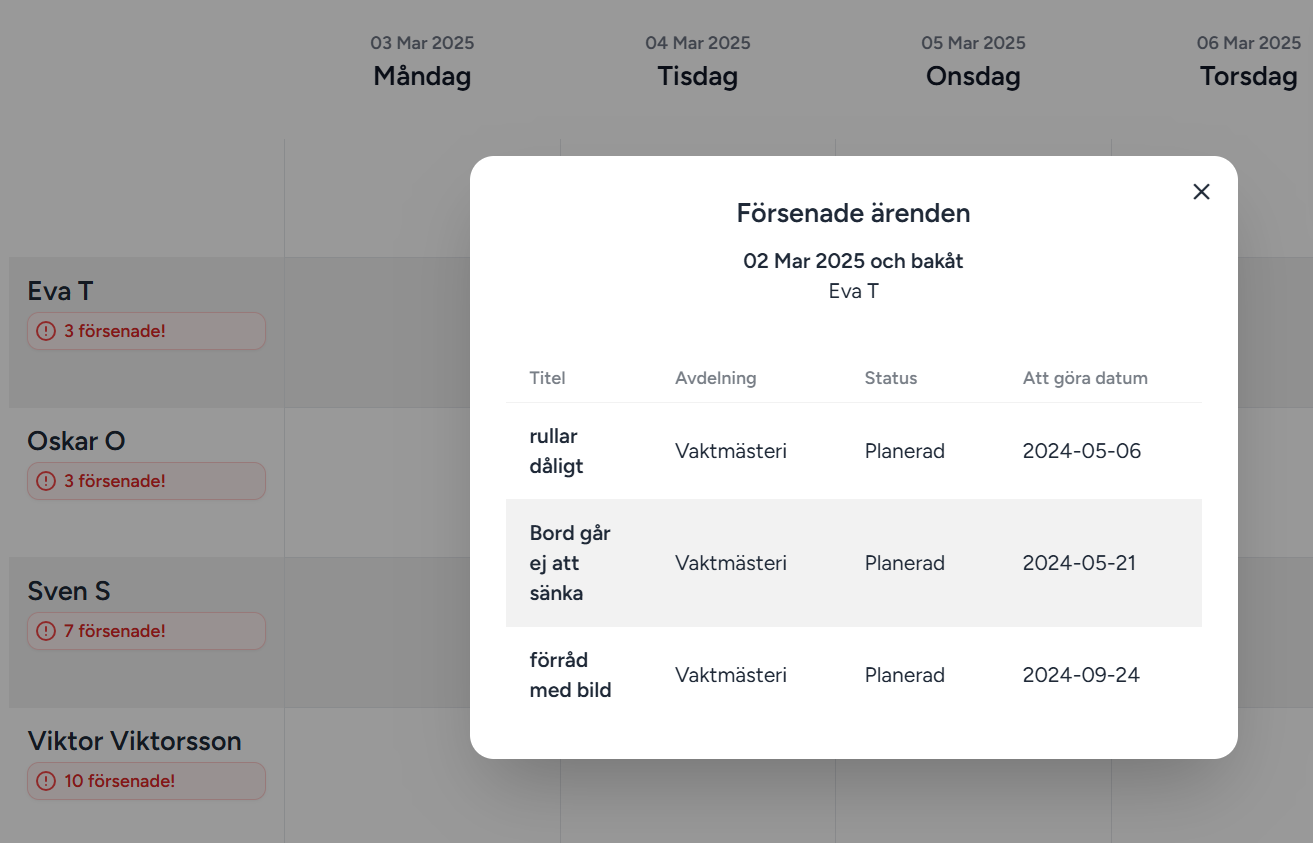
-
Number of unplanned casesThe number of unplanned cases is also shown when the list is collapsed for better overview.
-
Unassigned casesA new row in the calendar shows cases with a date but without a performer, for better overview and handling.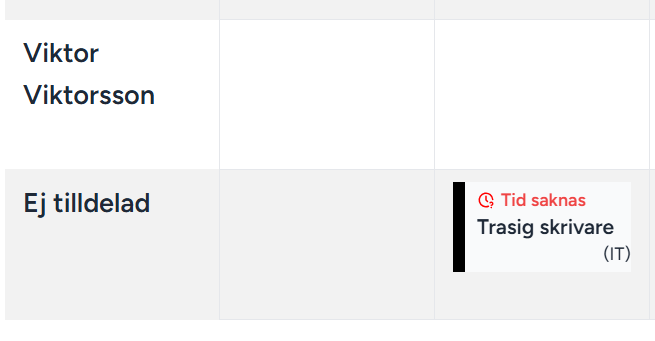
-
Delete userYou can now easily delete users in Greja. The new feature makes it possible to quickly and smoothly remove user accounts when needed. Perfect for keeping your user database up to date and secure.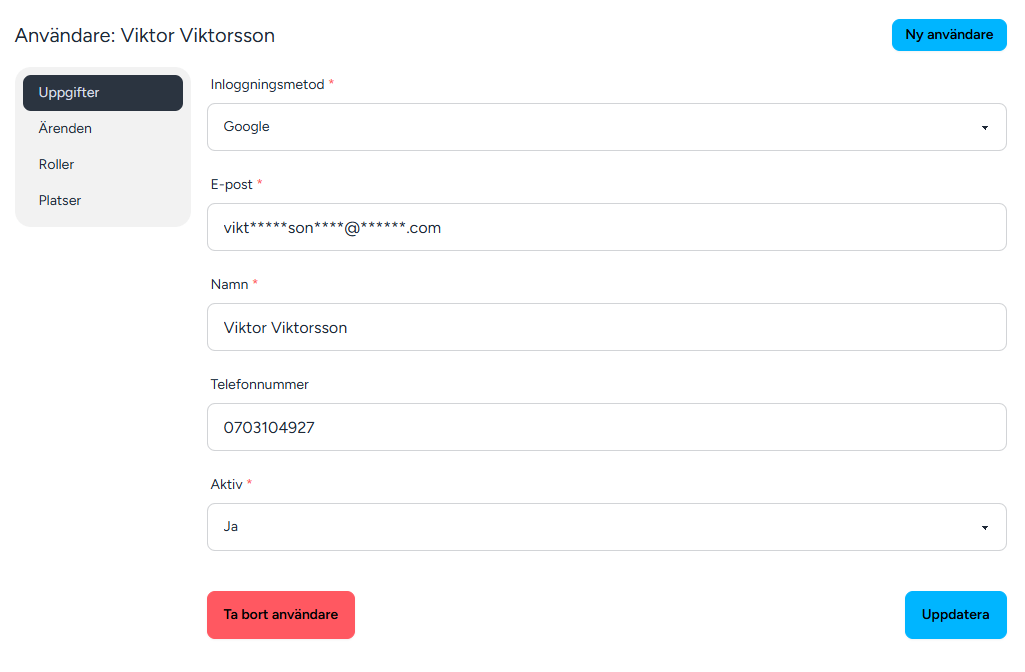
-
Delete cases in the appYou can now also delete cases directly in the app.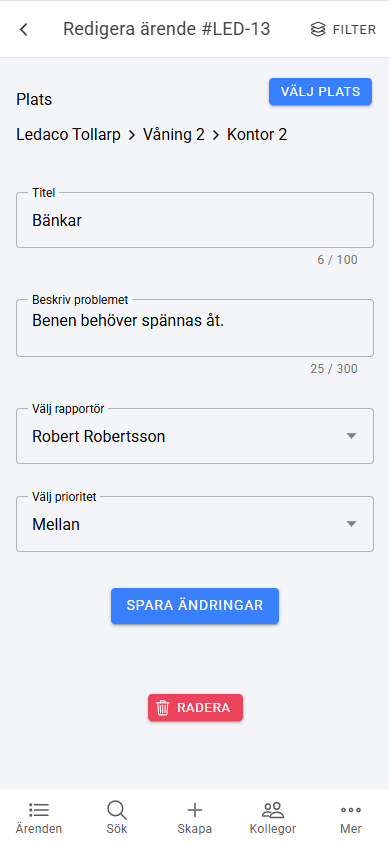
-
Zoom in imagesYou can now zoom in on images in the app. Discover the details by easily enlarging images with the new zoom feature. Smooth and user-friendly.
-
Image from galleryYou can now easily pick an image directly from your gallery when you create a case.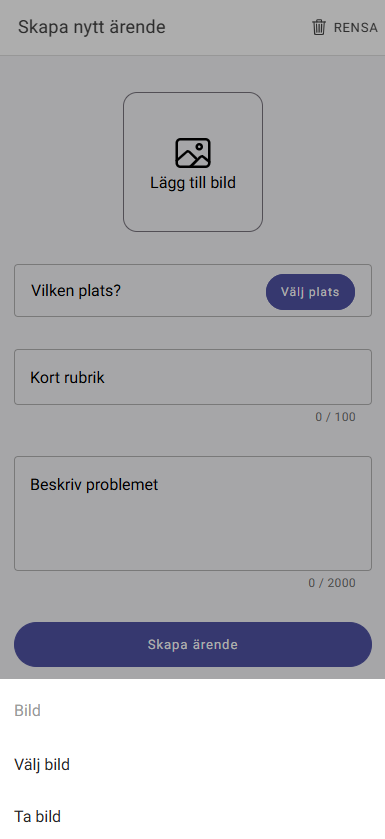
-
Set start timePerformers can now easily specify a specific time for their assigned cases. The new feature makes it smoother to plan and ensure all tasks are performed at the right time. This provides better structure and helps both performers and reporters.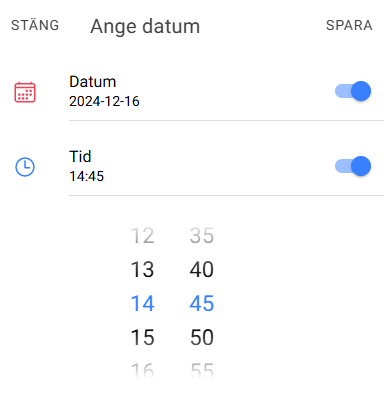
-
RemindersWith our new reminder feature, you can easily keep track of your important cases. For cases with a specified time, you can choose notifications both in the app and by email. You can set when you want to be reminded, from 5 to 60 minutes before the case is due. The feature helps you be prepared and ensure you don’t miss anything important.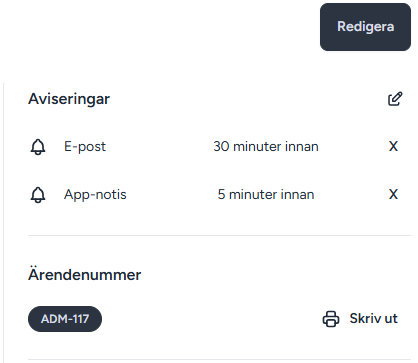
-
StickersTo make the introduction of Greja Case Management easier, we include small stickers with a QR code that can be put up in staff rooms or wherever new users need a reminder. Contact us at info@greja.app and we will send them to you.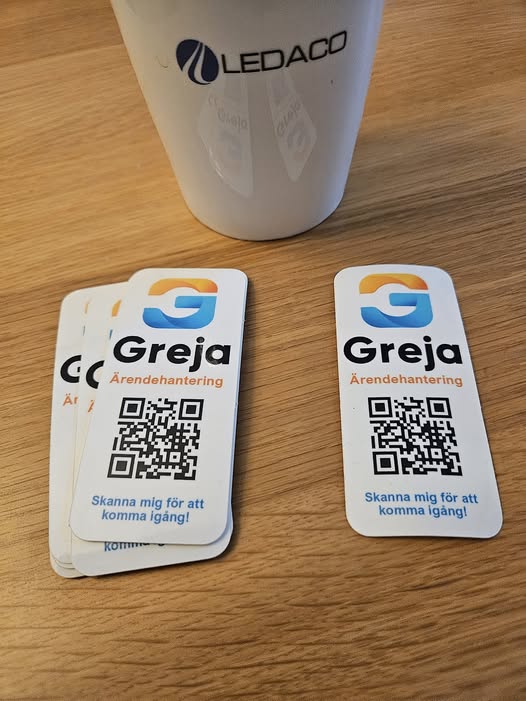
-
HolidaysA practical addition to the planning view is a feature that marks holidays directly in the calendar. This makes planning easier and helps avoid scheduling on public holidays.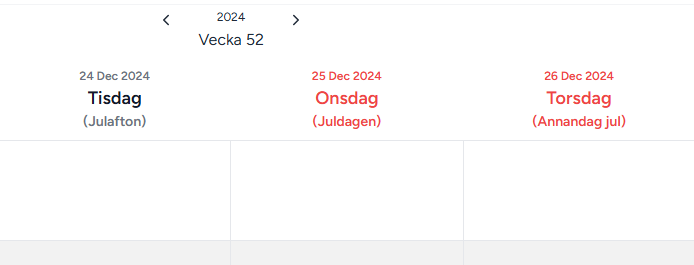
-
Delete buildings/roomsWhen deleting, the user is given the choice to either move existing cases to another building/room or delete them entirely.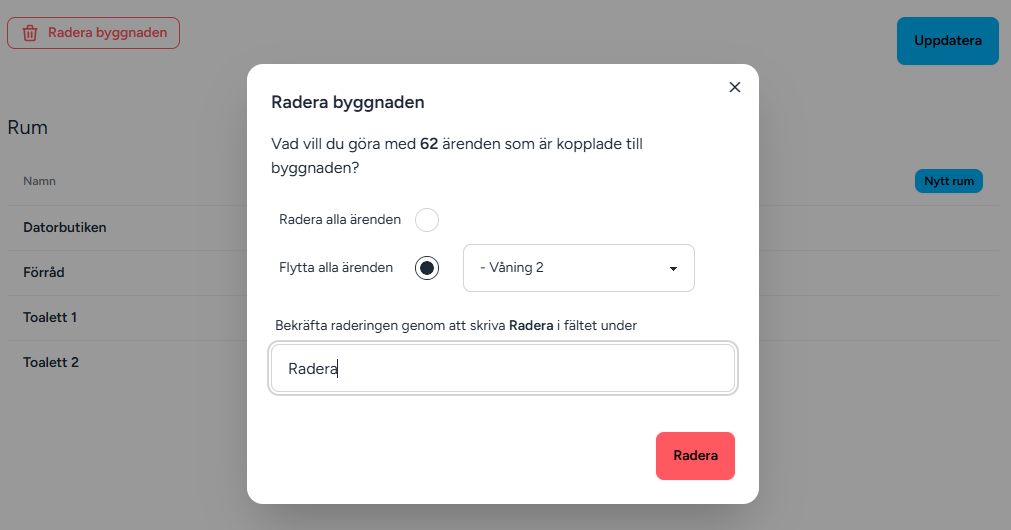
-
Recurring casesRecurring cases are tasks that need to be performed regularly over time. To handle these, you can set a start and end date, choose which weekdays the task should be performed on, and specify how often it should recur using an interval. This makes it easy to automate planning and keep track of tasks that require regular follow-up.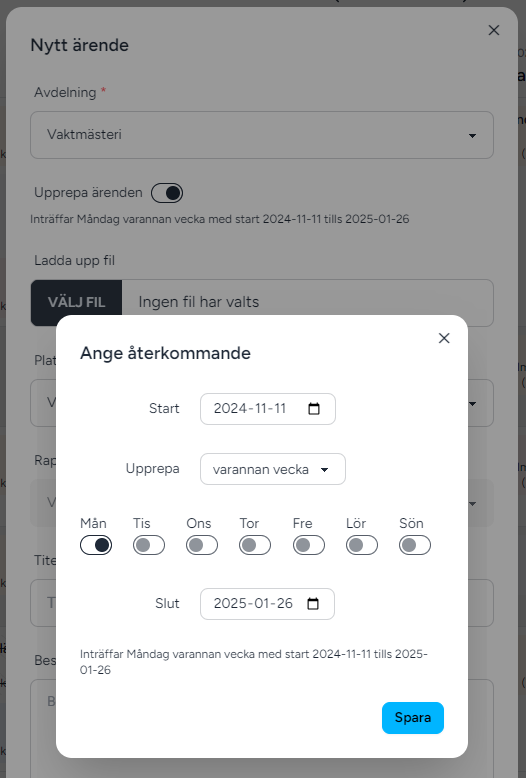
-
Sort casesCases can now be sorted in the planning view.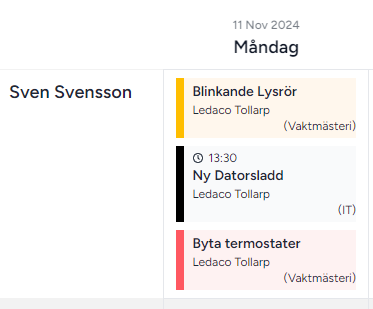
-
Collapse the case columnCollapse the unplanned cases column in the planning view.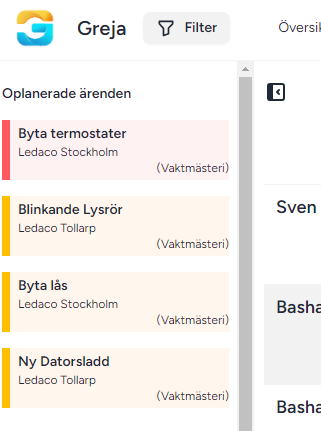
-
New web and app version- App: All notifications are saved in the notification centre
- App: Infinite scrolling in the case lists
- App: Forgot password functionality
- App: Notifications are removed when a case is marked as done
- Web: Upload documents to a case
- Web: Edit and delete comments
- Web: Comment with a document file
-
Flag cases without a timeCases that lack a time are flagged if they should have one.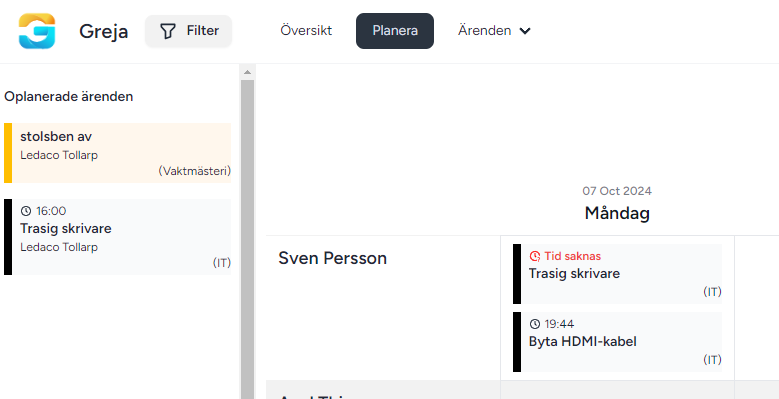
-
BacklogPerformers can now pick cases from the backlog in the app.
-
Mobile-adapted web interfaceWe have made several improvements to the mobile version of our web interface to make the user experience even smoother.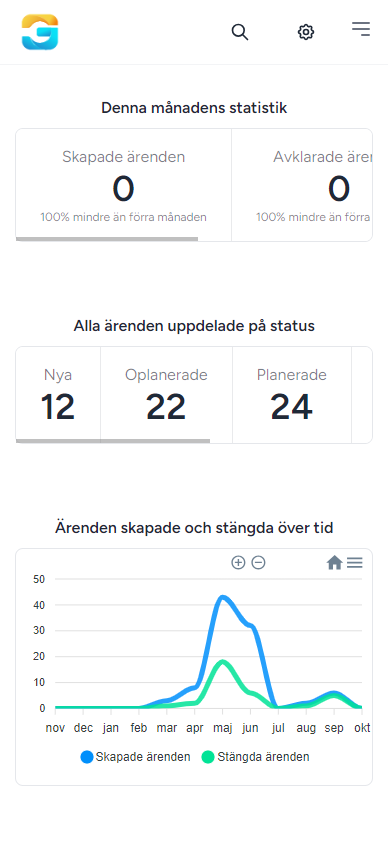
-
Better filter in the web interfaceWe have improved our filter, which now allows users to filter data across multiple locations and multiple departments at the same time.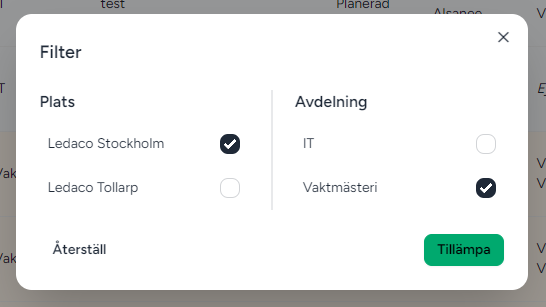
-
Delete casesA new feature has been launched that makes it possible to delete cases directly in the system. Administrators can easily remove cases that are no longer relevant or were registered by mistake.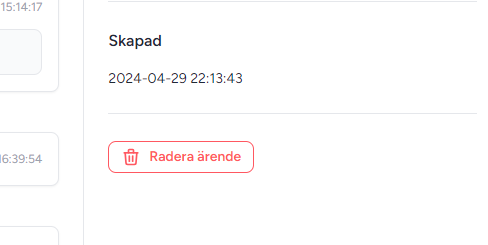
-
Improved login experienceWe have now improved the login experience and made it both faster and smoother.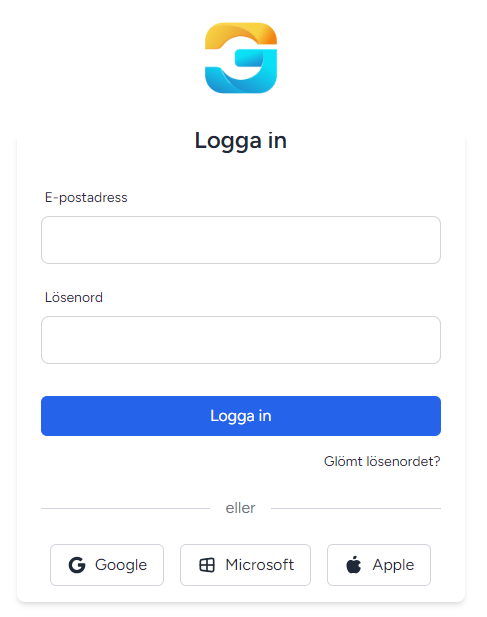
-
Better user managementWe have improved the user list with several new features to make management easier. The user list is sorted by email address, you can search among users, and as an administrator you can change a user’s password.
-
Case types and extra fieldsUsing case types is a powerful tool for organising and managing information in an organisation. By defining and categorising different types of cases, users can create a structured and logical order.
One of the big advantages of working with case types is the ability to create extra fields that are specific to each type of case. The extra fields act as customised fields where users can collect the exact information needed to handle a specific case.
-
DepartmentsIn an organisation, departments play a central role in structuring and handling different types of cases. By linking cases to specific departments, you can ensure they are handled by the right people with the right skills and resources.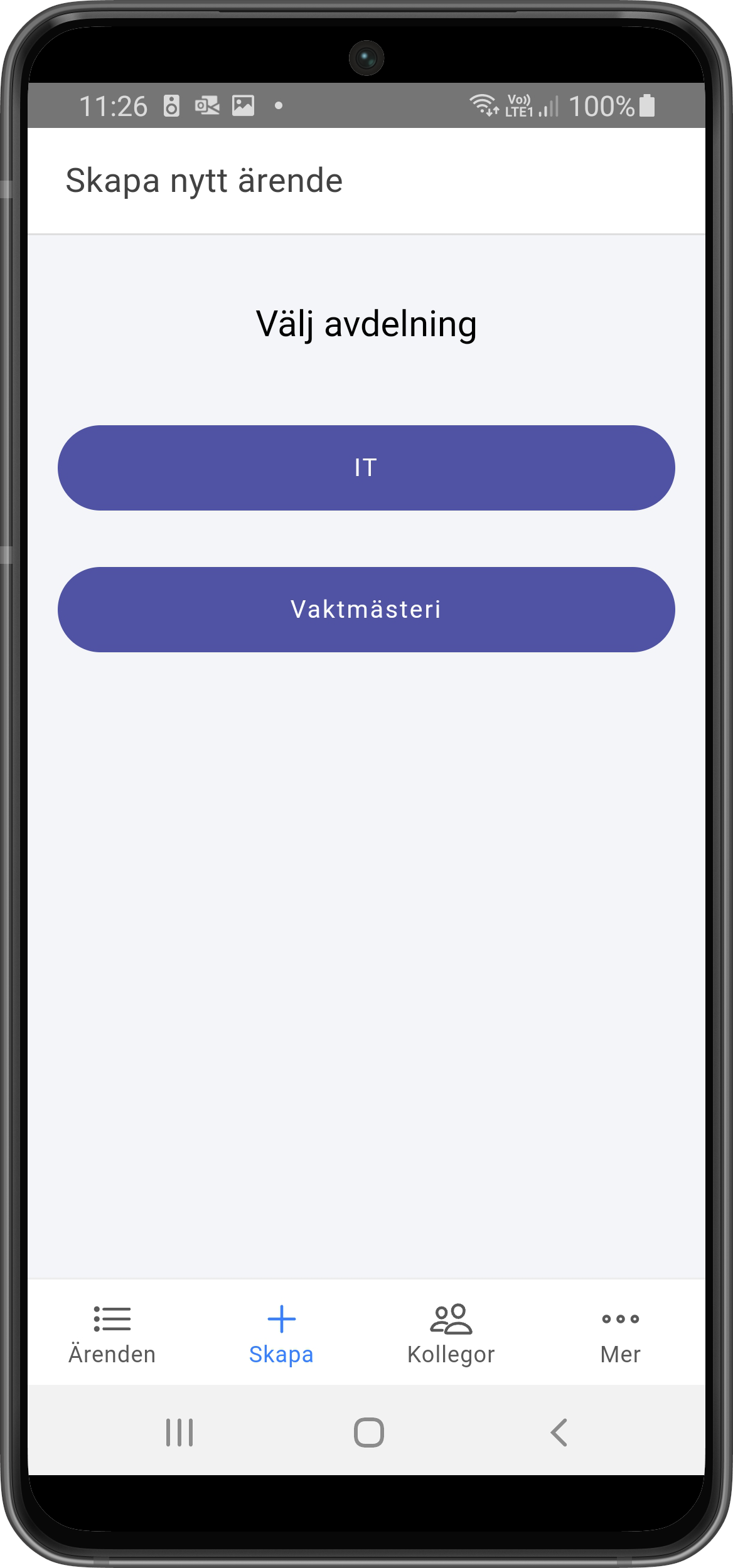
-
Email notificationsNotifications are an important feature for staying up to date on new events about your cases. That is why we have added support for email notifications. In both the app and on the web, users can easily customise how they want to receive their notifications. You can choose to receive notifications directly by email or via push messages on your phone.
-
Filter cases based on locationWith this addition, you can now easily filter cases by location directly in our app and in the web interface.
-
See all cases at locationsWith this feature you can see not only your own cases, but also cases created at locations you have permission for.
-
Web interface for reportersAs a reporter, you can log in to the web interface, see your cases and create new cases.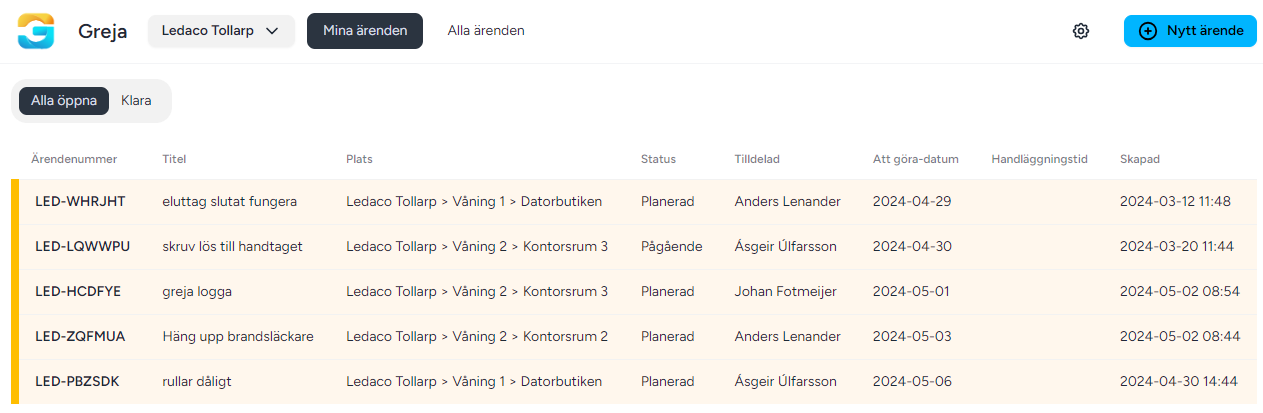
-
Image on commentWe have made it even easier to communicate and clarify cases. You can now easily attach images to your comments directly from the app or web interface.
-
Primary caretakerThe ability to set a primary caretaker for each location. With this feature, cases can be assigned to the responsible caretaker directly.
-
App notificationsWith this feature you can receive app notifications on your phone when someone has created a case and assigned or commented on a case.