


User manual
Reporter
Filter
Using the filter, you can easily sort and view cases based on location and department.
App
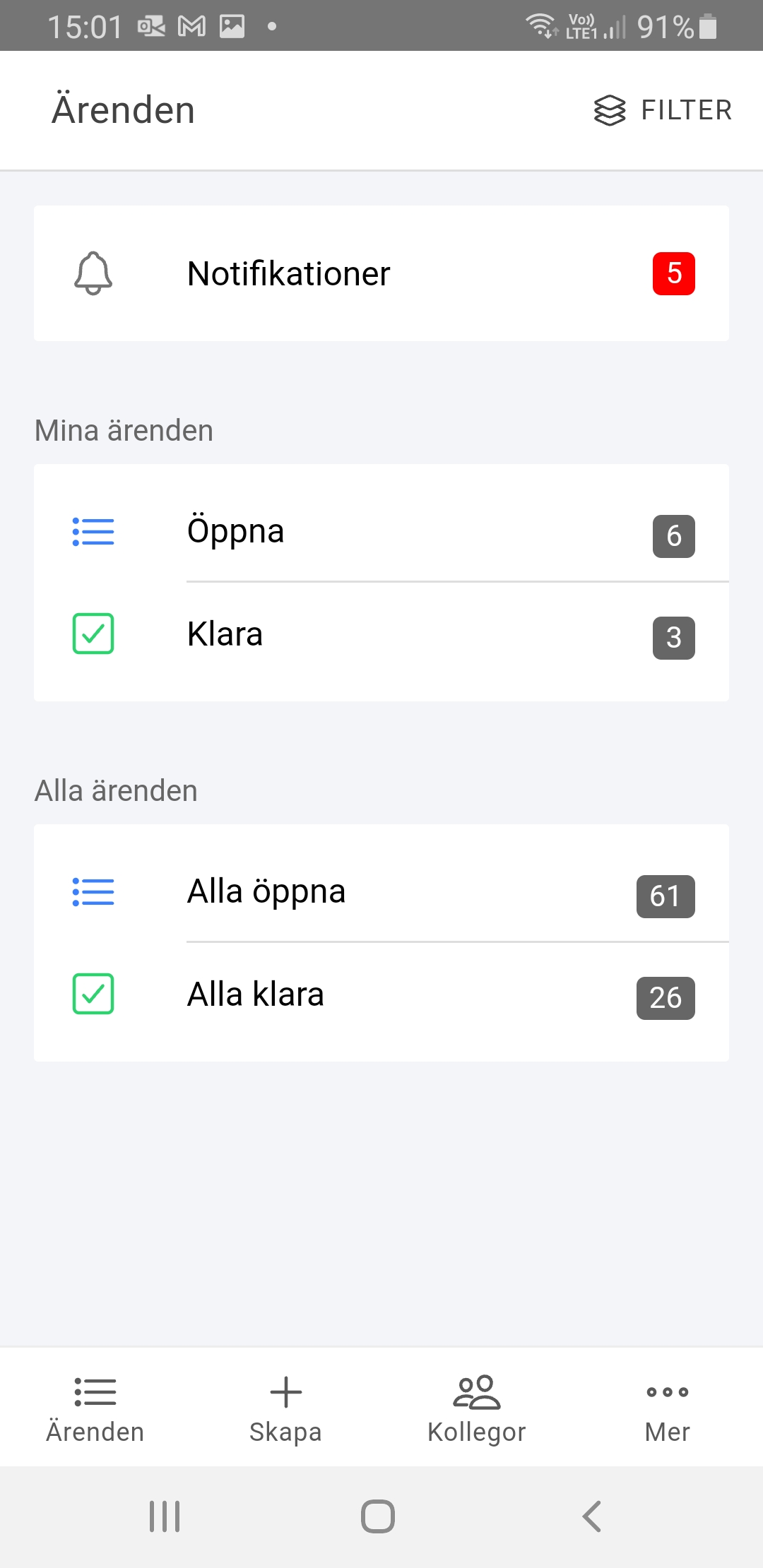
Click the "Filter" button in the top right corner.
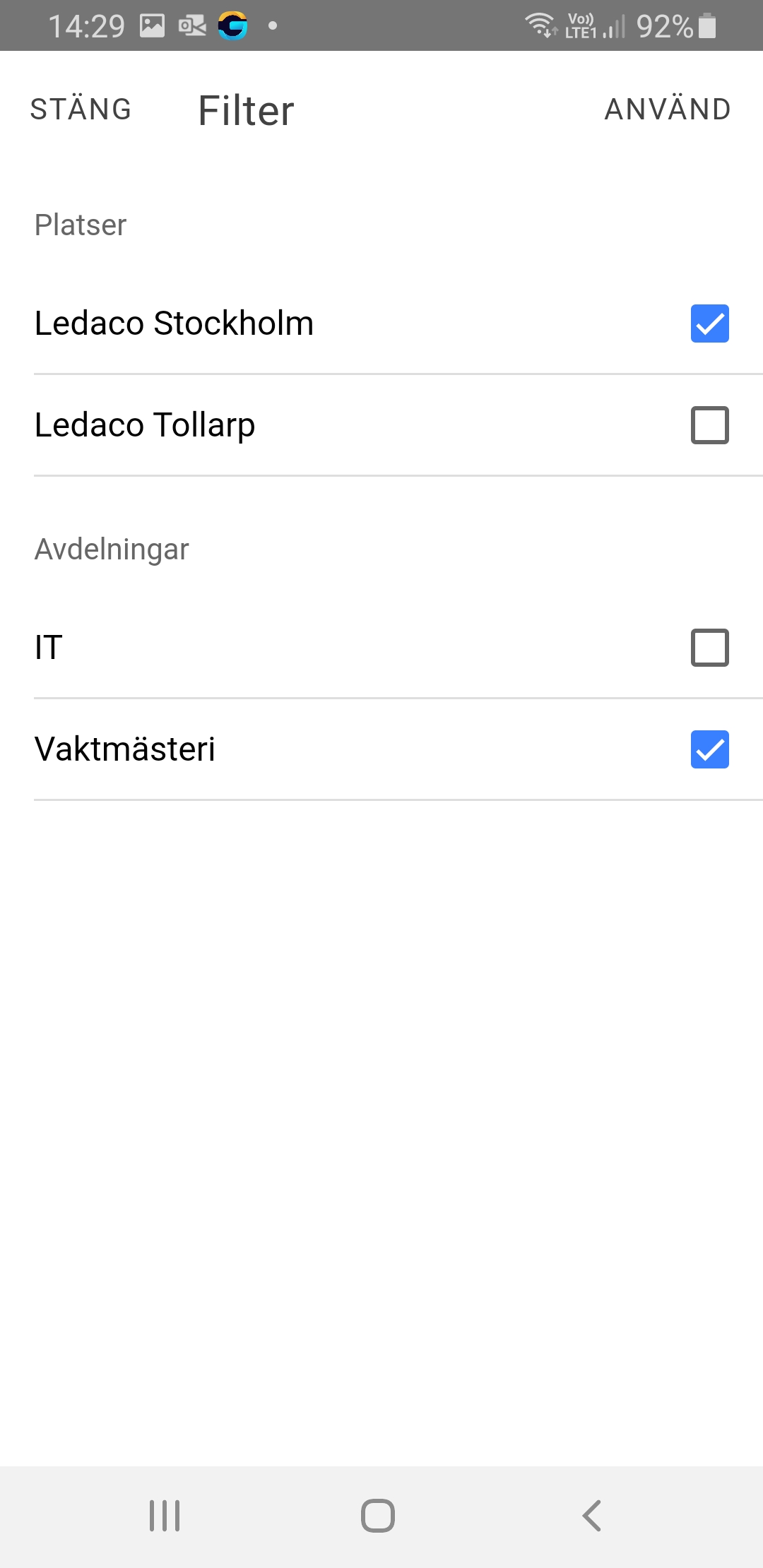
Then check the locations and departments you want to see.
Apply the filter by clicking the "Apply" button.
Webb
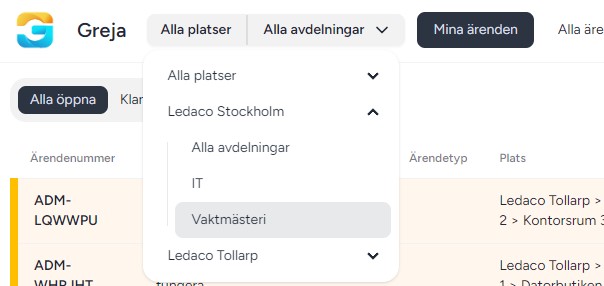
In the menu on the left you will find the filter.
Choose which location and department you want to filter cases on.