


User manual
Reporter
Create new case
Watch our video where we walk through step by step how to create a case. In the video we show how to easily fill in all necessary information and submit a new case in Greja.
The forms are dynamic and may look different depending on how the system is configured.
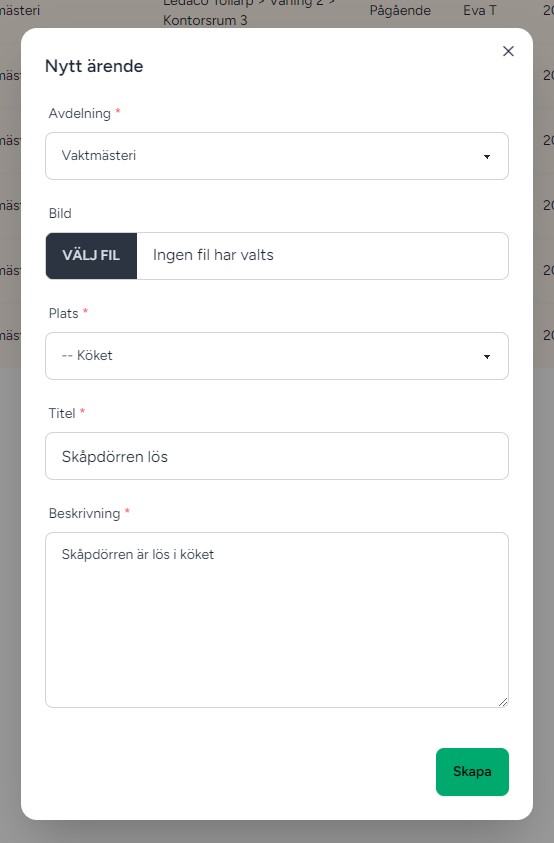
Below is the standard template.
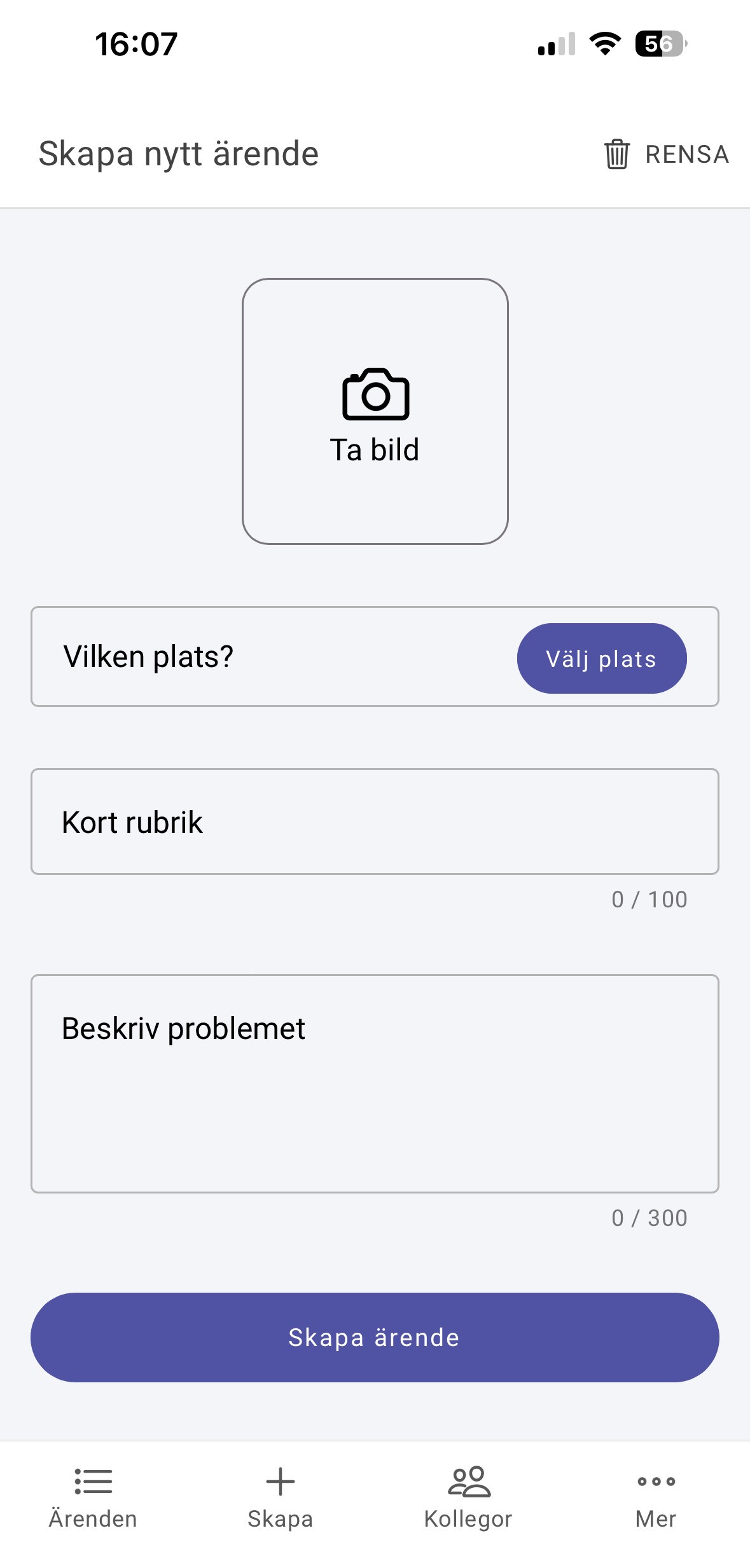
Image: Take a photo with your phone's camera or attach an image via the web form.
Location: Specify where the need is.
Short title: Describe the need briefly.
Describe the case: Describe the need in detail.
App
If you click Create in the bottom menu, you will be taken to a view with a form where you can report a new case by filling in the necessary information.
Webb
In the top right corner, there is a button called Create new case.
When you click it, a dialog with a form opens where you can fill in details to report a new case.